

About All Art by Theme Collection
-
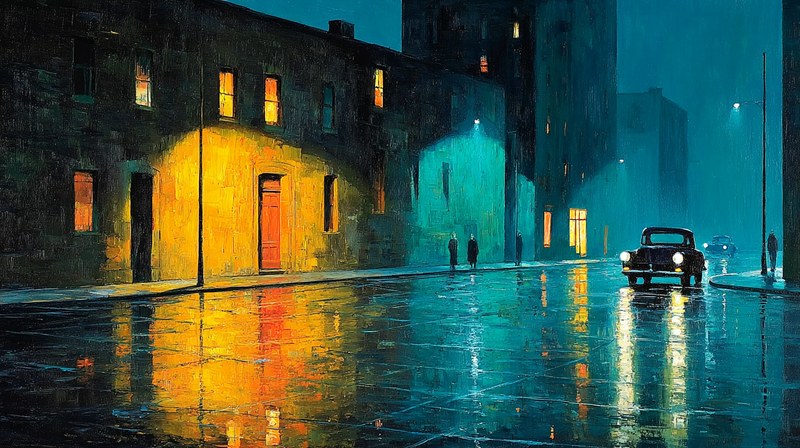
Amber Reflections – Night Street Poetry for Samsung Frame TV
$9.99 -
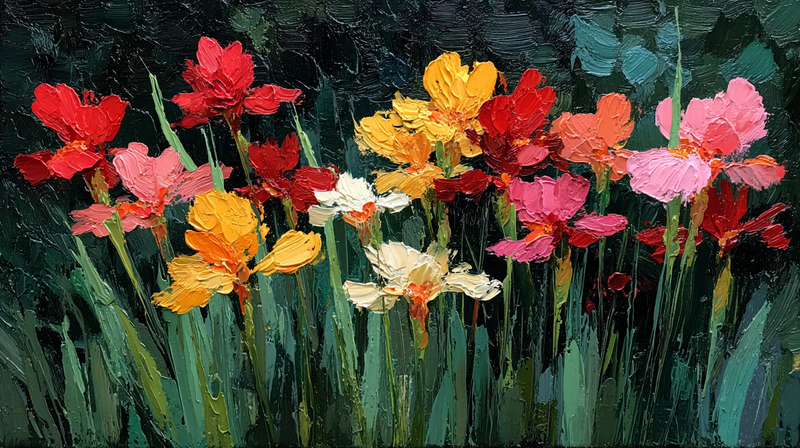
Vibrant Meadow – Celebration Impasto Flowers for Samsung Frame TV
$9.99 -
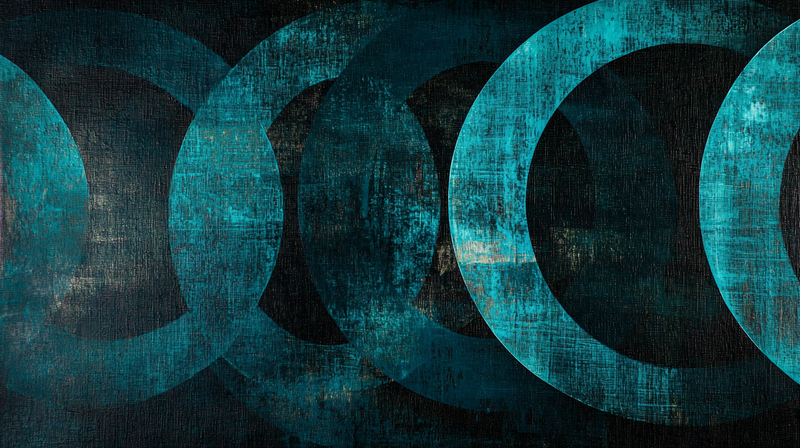
Tidal Echoes – Circular Meditation for Samsung Frame TV
$9.99 -
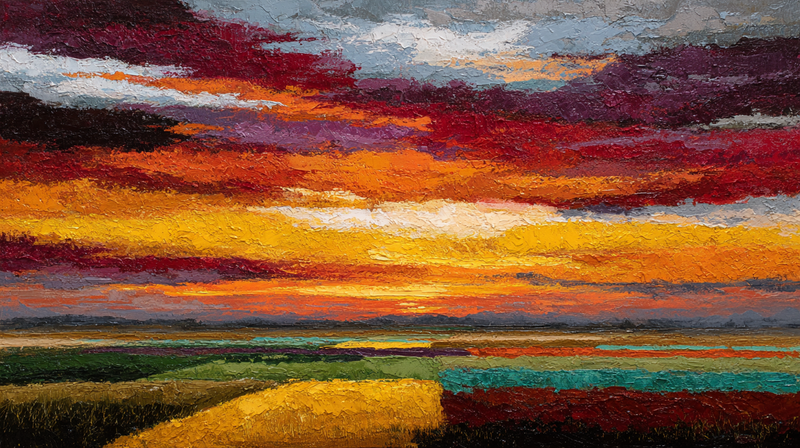
Prairie Fire – Horizon Dreams for Samsung Frame TV
$9.99 -
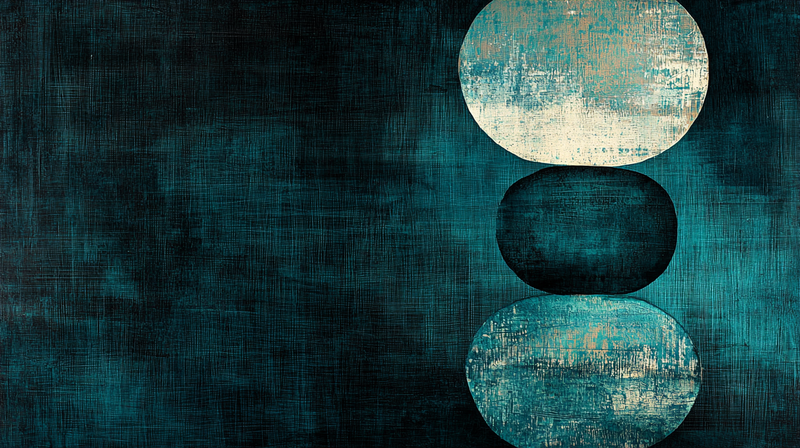
Oceanic Balance – Stacked Serenity for Samsung Frame TV
$9.99 -
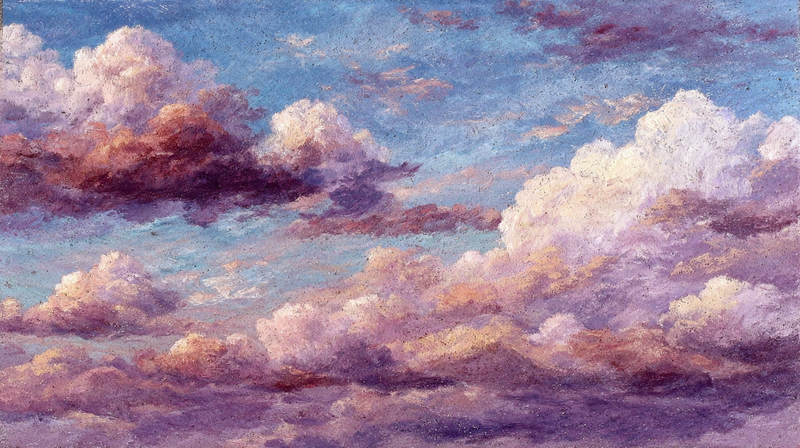
Ethereal Dreams – Cloud Reverie for Samsung Frame TV
$9.99 -
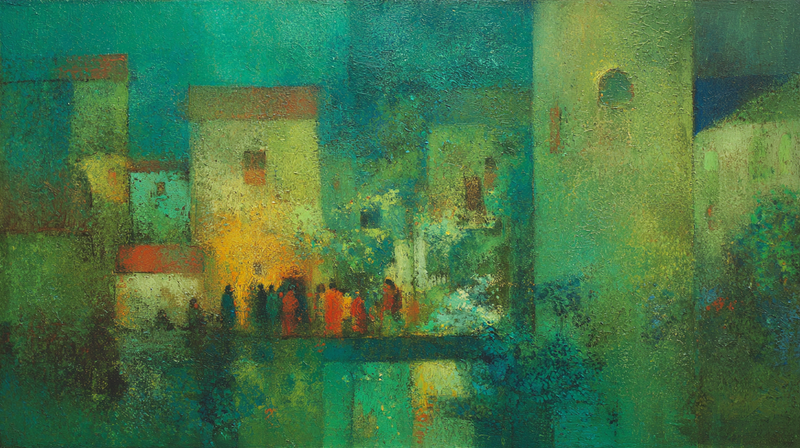
Emerald Symphony – Abstract Garden for Samsung Frame TV
$9.99 -
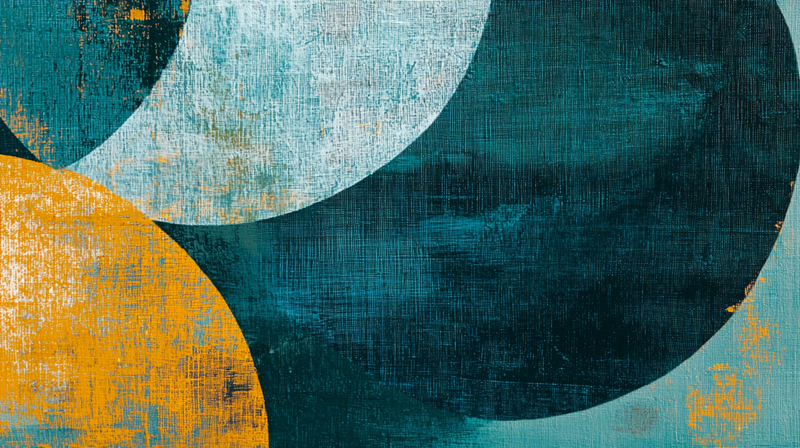
Coastal Convergence – Abstract Geometry for Samsung Frame TV
$9.99 -
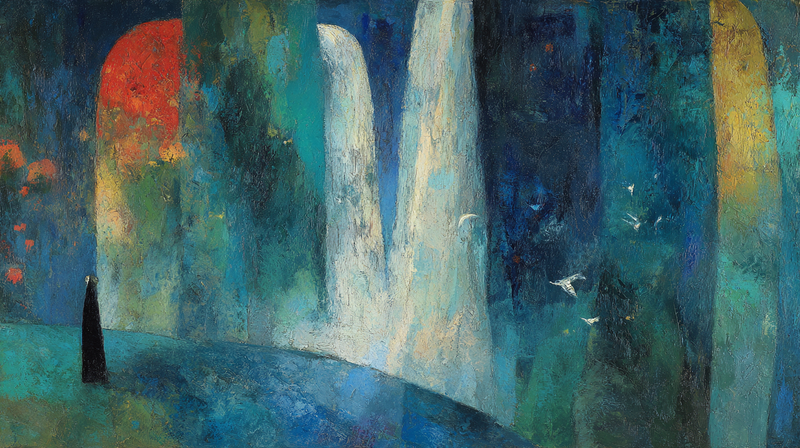
Cascading Serenity – Waterfall Meditation for Samsung Frame TV
$9.99 -
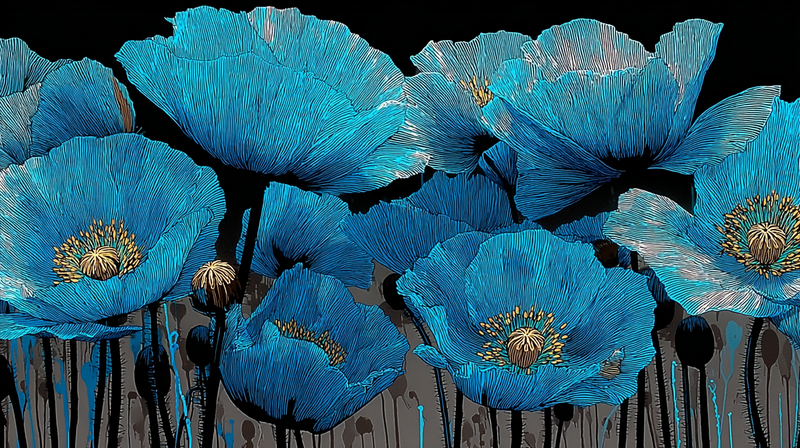
Azure Poppies – Midnight Elegance for Samsung Frame TV
$9.99 -
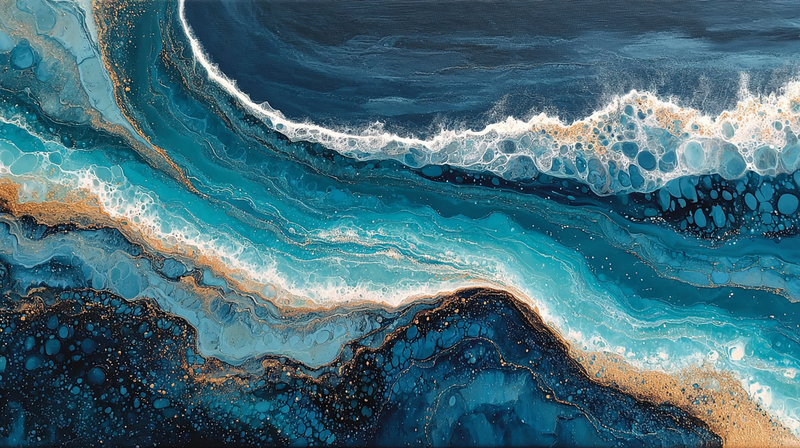
Azure Currents – Fluid Dreams for Samsung Frame TV
$9.99 -
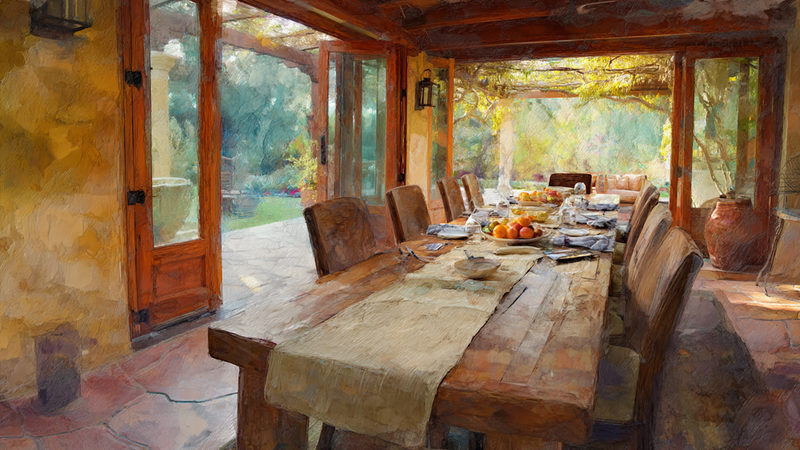
Tuscan Harvest – Feast Table for Samsung Frame TV
$9.99 -
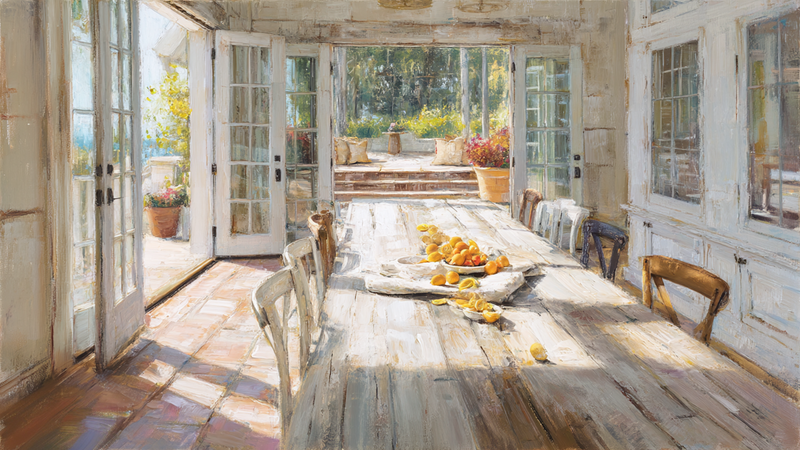
Sunlit Abundance – French Country Table for Samsung Frame TV
$9.99 -
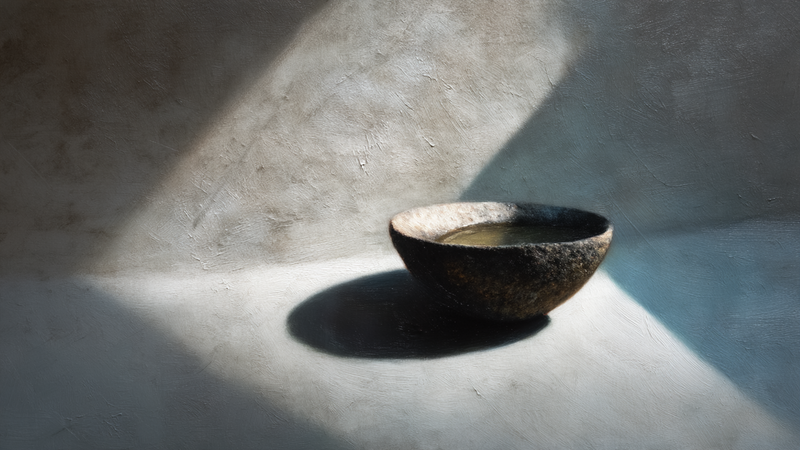
Shadow Vessel – Zen Meditation for Samsung Frame TV
$9.99 -
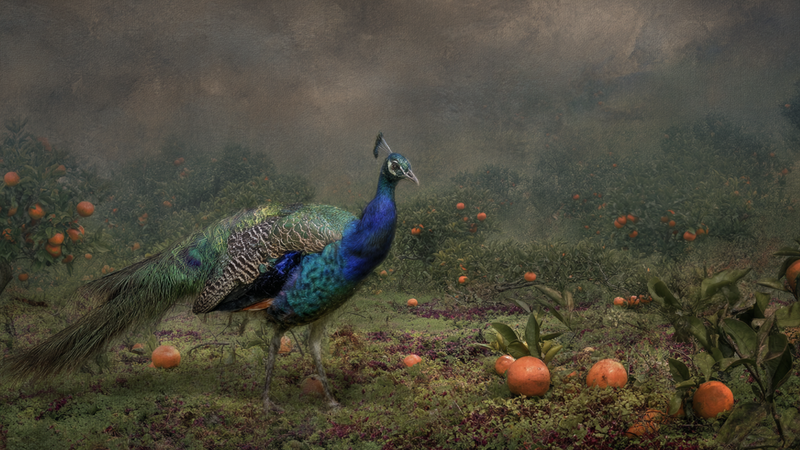
Sapphire Majesty – Orchard Peacock for Samsung Frame TV
$9.99 -
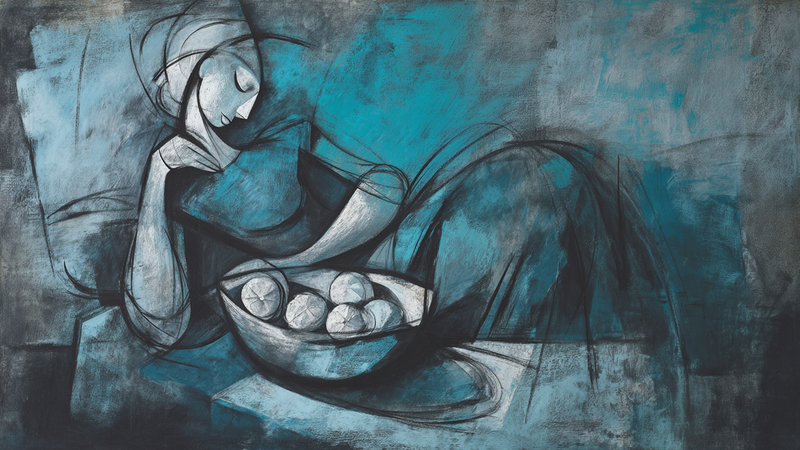
Blue Contemplation – Figure Study for Samsung Frame TV
$9.99 -
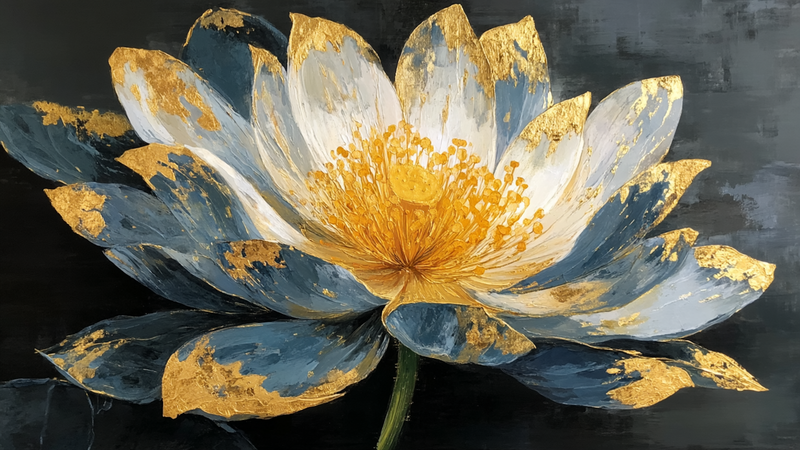
Golden Lotus – Executive Enlightenment for Samsung Frame TV
$9.99 -
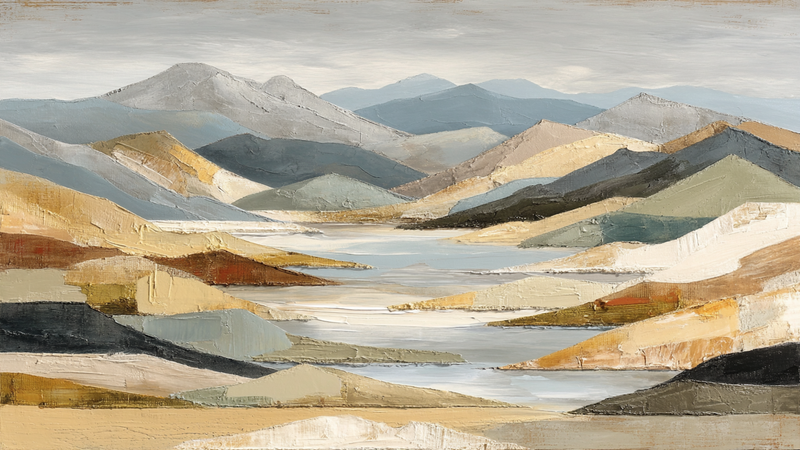
Golden Confluence – Executive Flow for Samsung Frame TV
$9.99 -
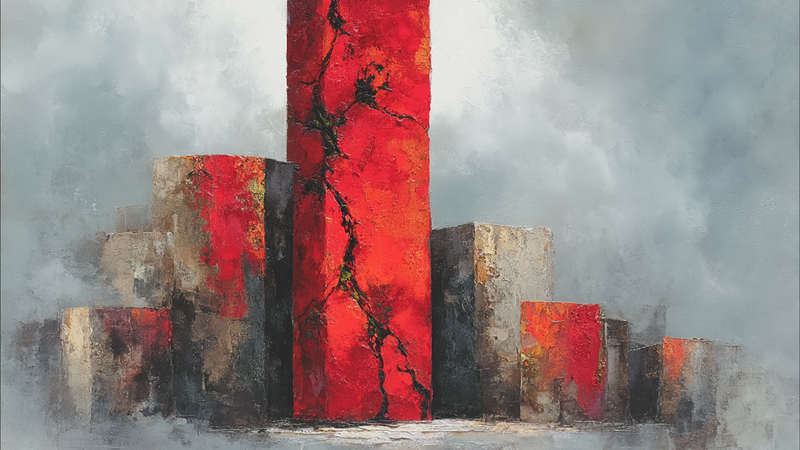
Crimson Foundation – Urban Power for Samsung Frame TV
$9.99 -
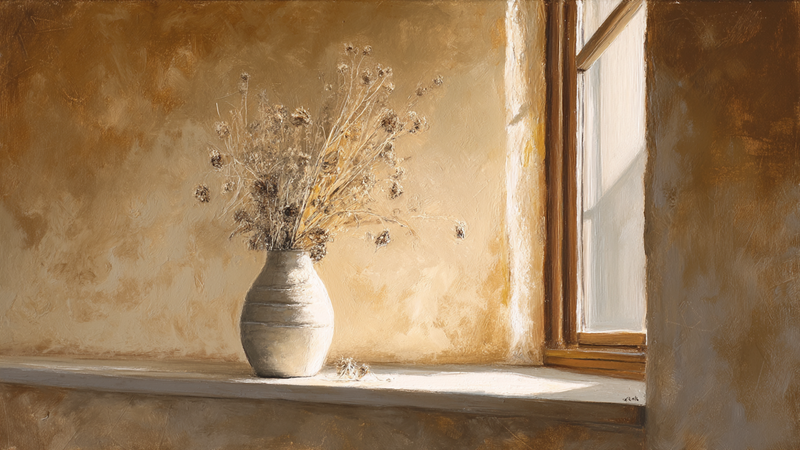
Window Light Meditation – Autumn Whispers for Samsung Frame TV
$9.99 -
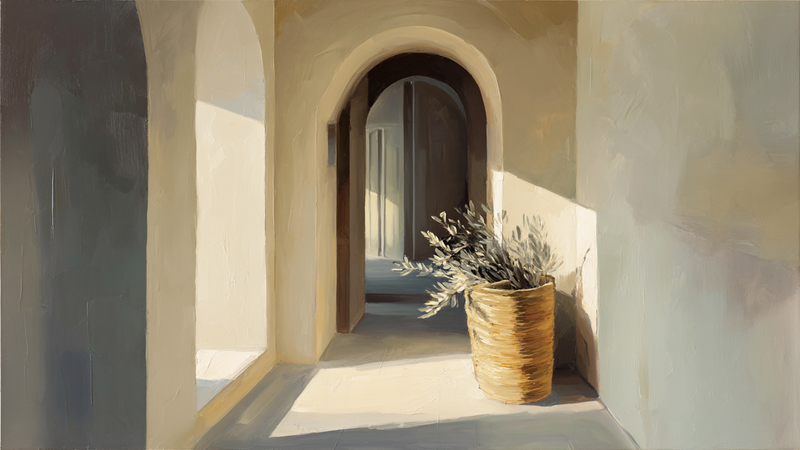
Mediterranean Passage – Arched Welcome for Samsung Frame TV
$9.99 -
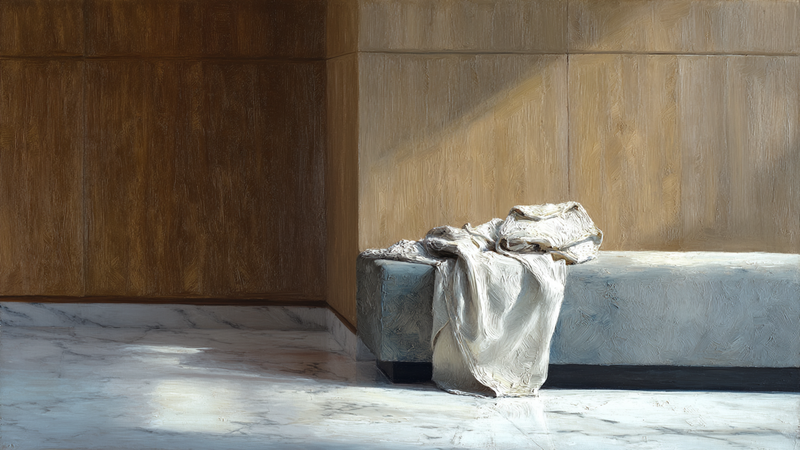
Linen Sanctuary – Morning Ritual for Samsung Frame TV
$9.99 -
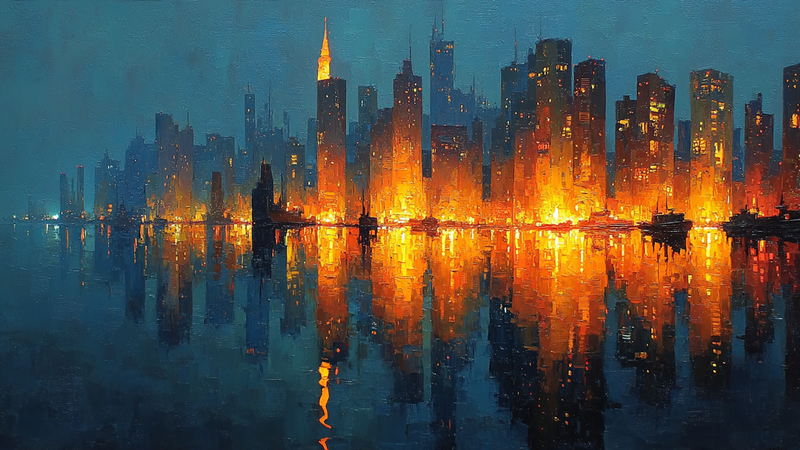
Golden Harbor Reflections – Metropolitan Twilight for Samsung Frame TV
$9.99 -
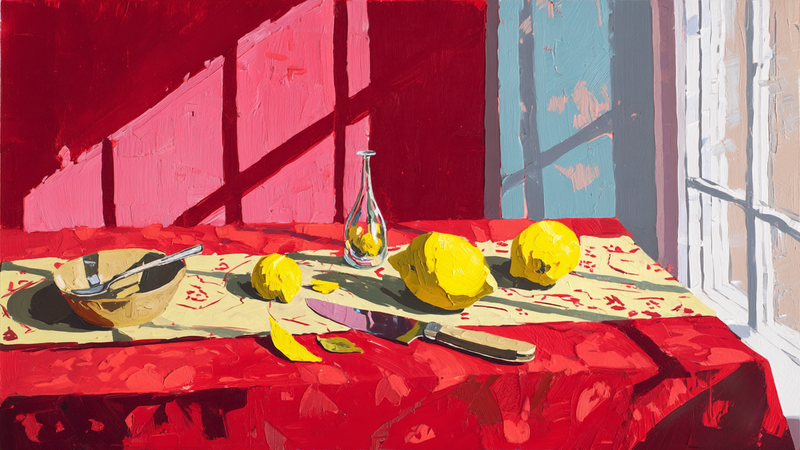
Scarlet Symphony – Kitchen Celebration for Samsung Frame TV
$9.99 -
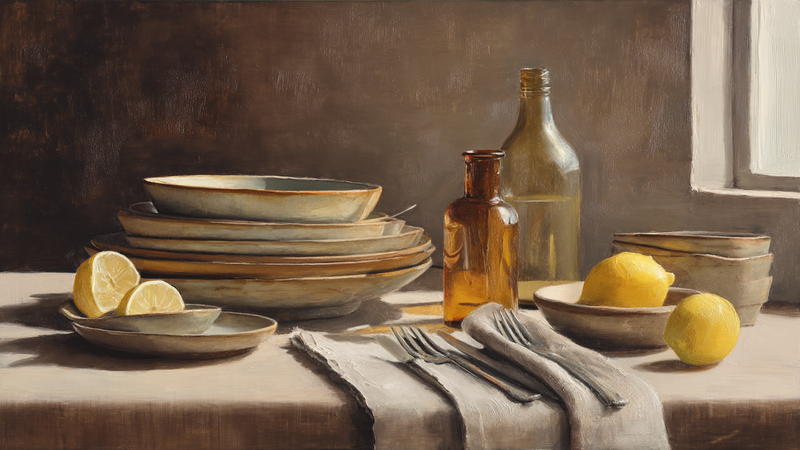
Golden Hour Kitchen Ritual for Samsung Frame TV
$9.99 -
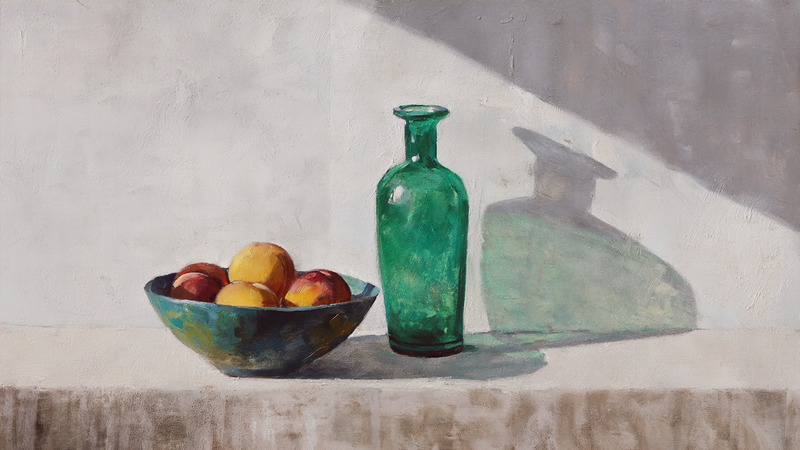
Emerald Light – Kitchen Harmony for Samsung Frame TV
$9.99 -
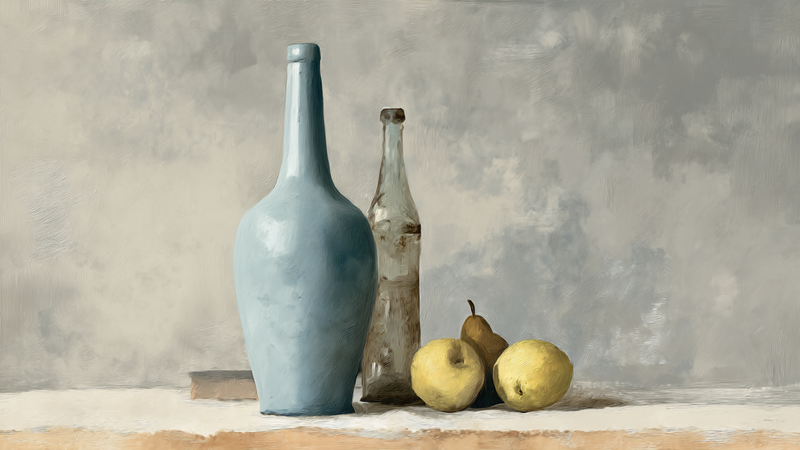
Afternoon Pause – Kitchen Still Life for Samsung Frame TV
$9.99 -
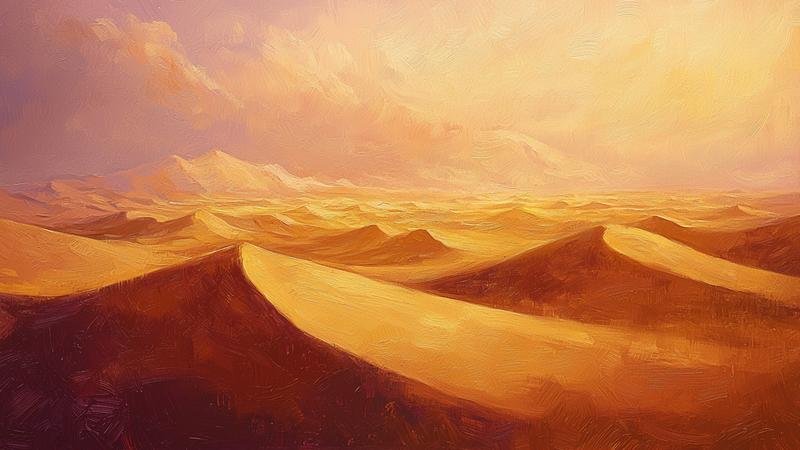
Sahara Gold – Desert Minimalism for Samsung Frame TV
$9.99 -
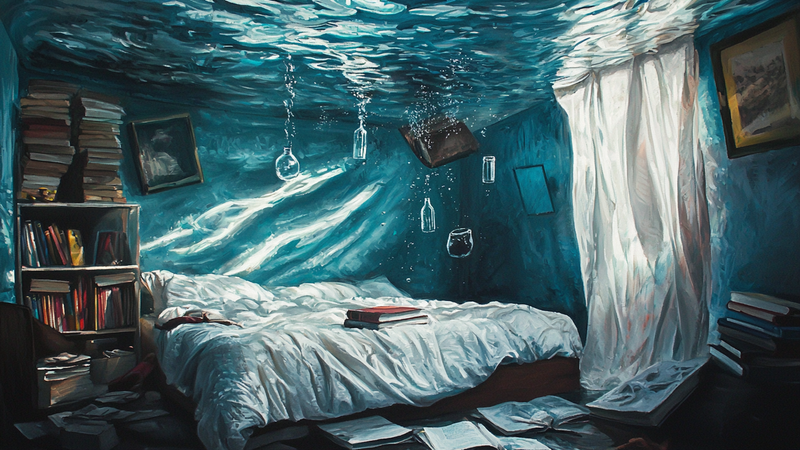
Oceanic Dreams – Submerged Sanctuary for Samsung Frame TV
$9.99 -
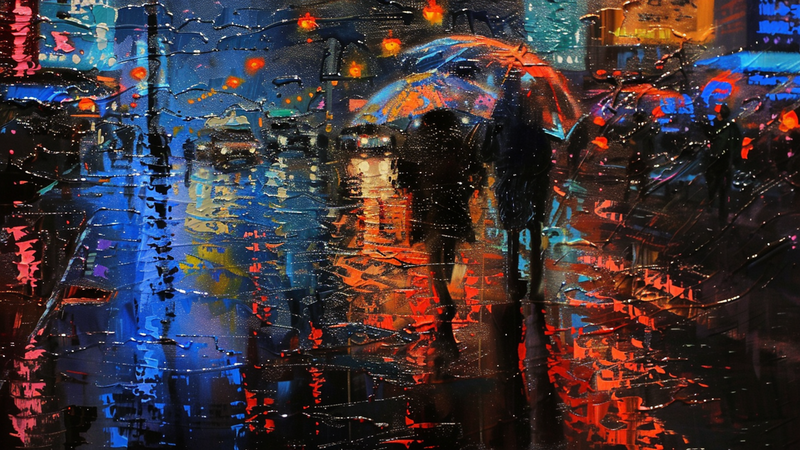
Neon Rain – Urban Symphony for Samsung Frame TV
$9.99 -
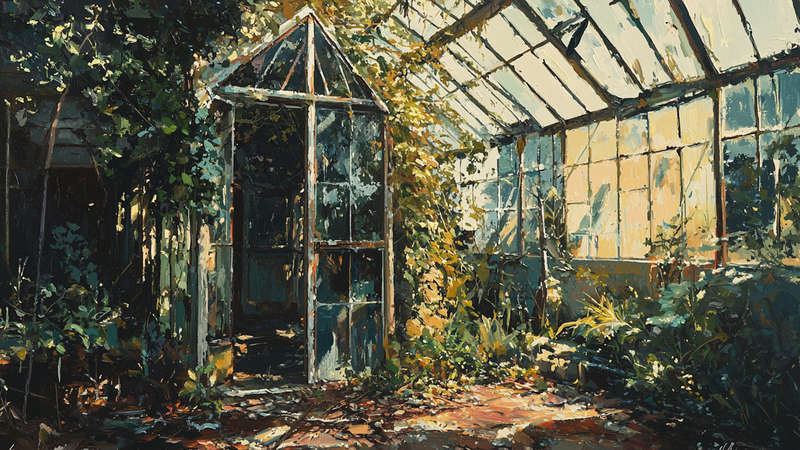
Nature's Reclamation – Abandoned Greenhouse for Samsung Frame TV
$9.99 -
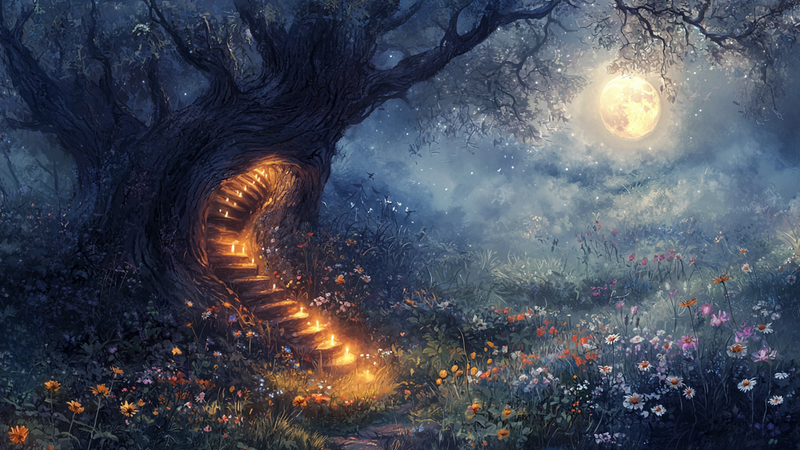
Moonlit Threshold – Enchanted Tree for Samsung Frame TV
$9.99 -
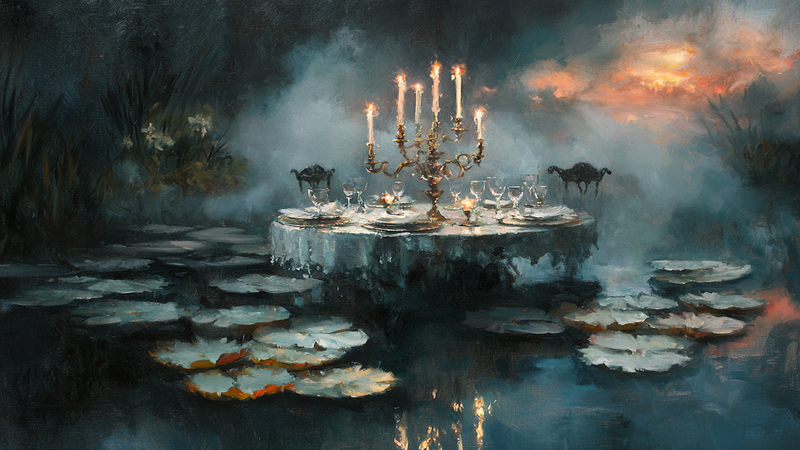
Midnight Lilies – Enchanted Feast for Samsung Frame TV
$9.99 -
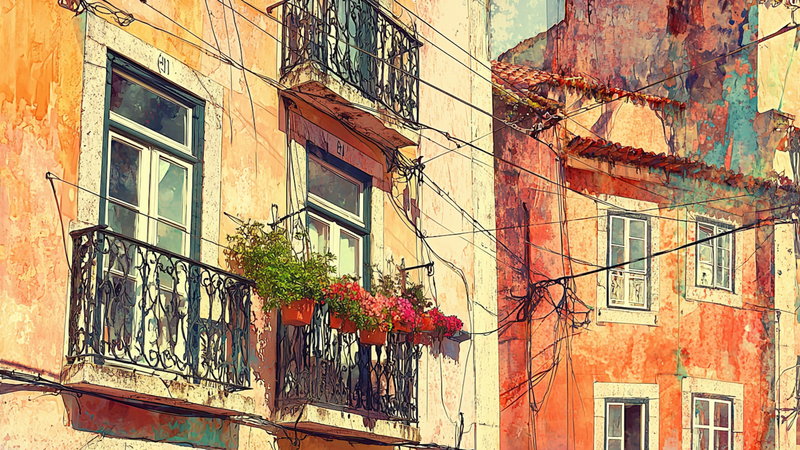
Lisbon Soul – Sunset Streets for Samsung Frame TV
$9.99 -

Infinite Ascent – Dream Spiral for Samsung Frame TV
$9.99 -
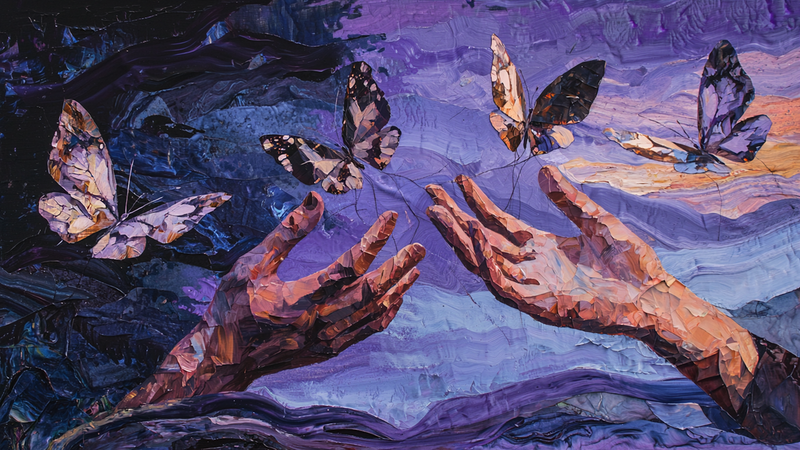
Butterfly Liberation – Hands of Transformation for Samsung Frame TV
$9.99 -
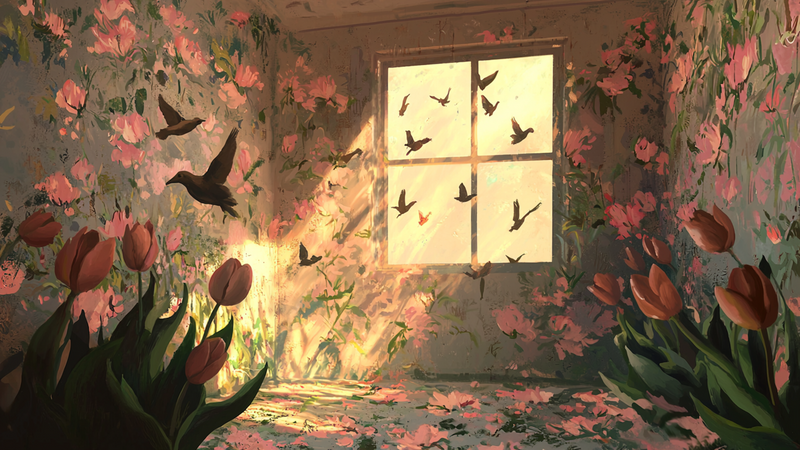
Birds & Bloom Sanctuary – Tulip Room for Samsung Frame TV
$9.99 -
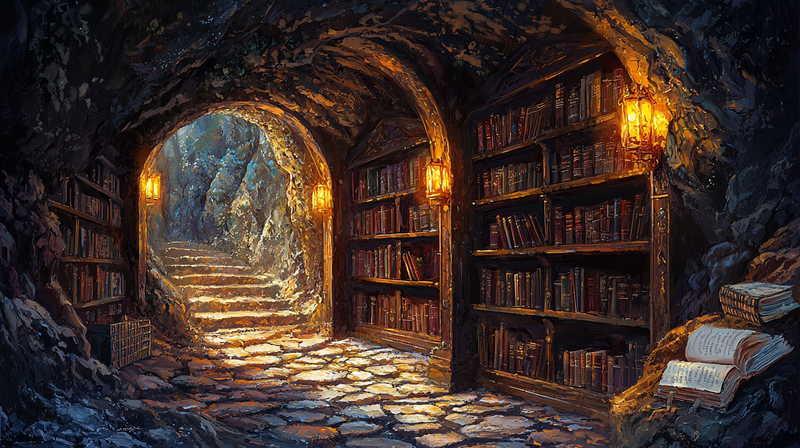
Scholar's Sanctuary – Underground Library for Samsung Frame TV
$9.99 -
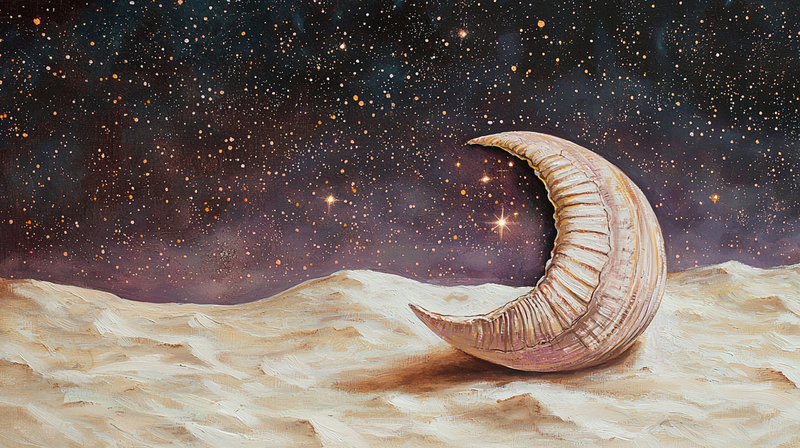
Lunar Sculpture – Crescent Desert for Samsung Frame TV
$9.99 -
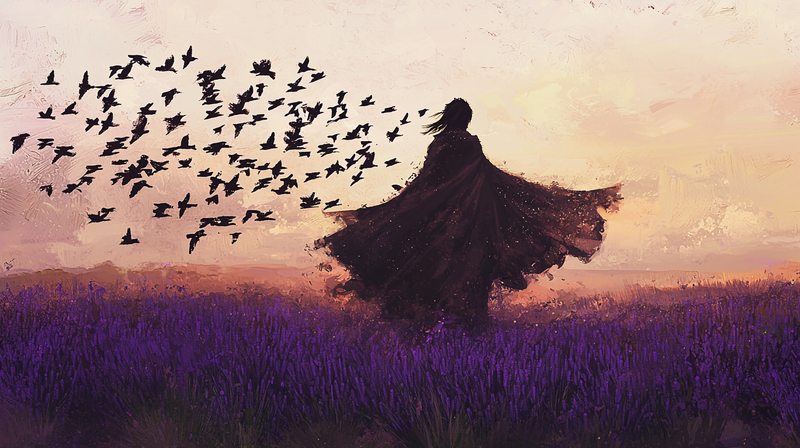
Lavender Dreams – Flight of Freedom for Samsung Frame TV
$9.99 -
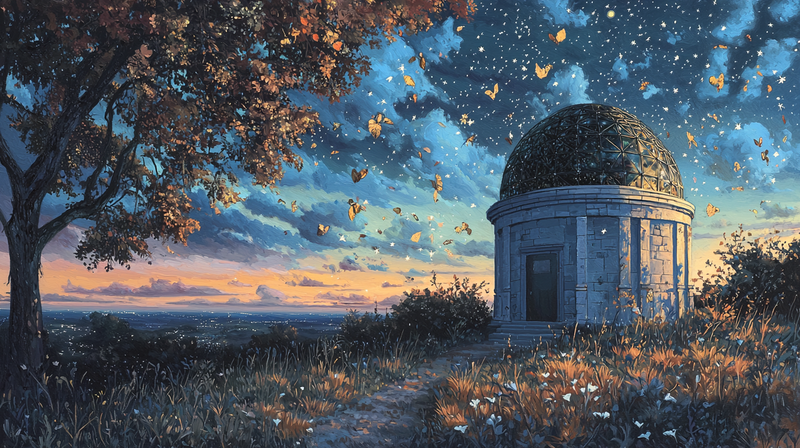
Autumn's Observatory – Falling Stars Dance for Samsung Frame TV
$9.99 -

Alpine Fire – Summit Sunrise for Samsung Frame TV
$9.99 -
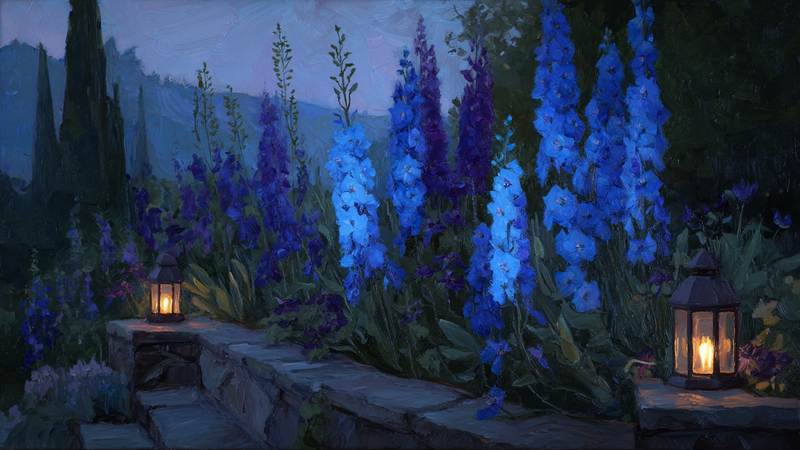
Twilight Delphinium – Garden Path for Samsung Frame TV
$9.99 -
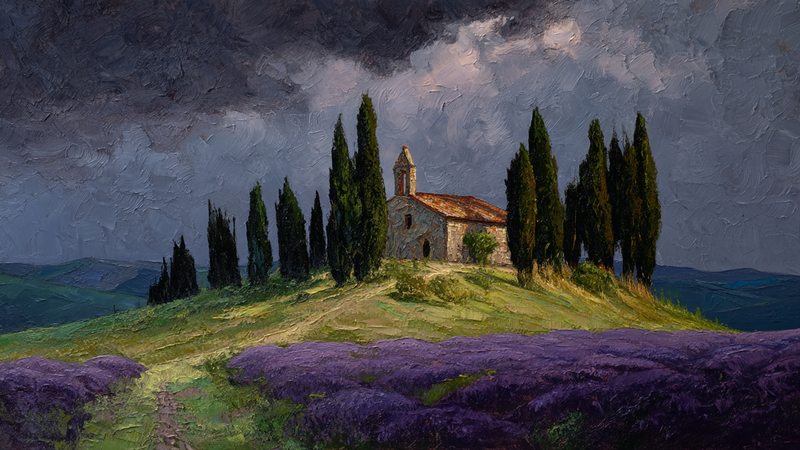
Tuscany Twilight – Lavender Chapel for Samsung Frame TV
$9.99 -
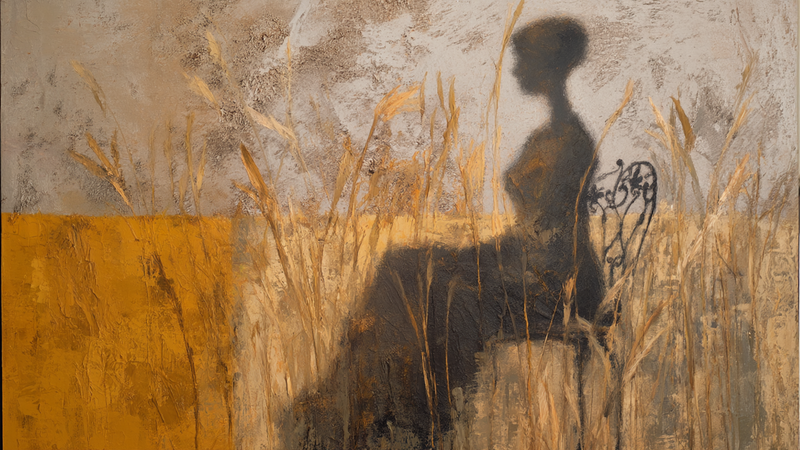
Shadow Figure – Abstract Silhouette for Samsung Frame TV
$9.99 -
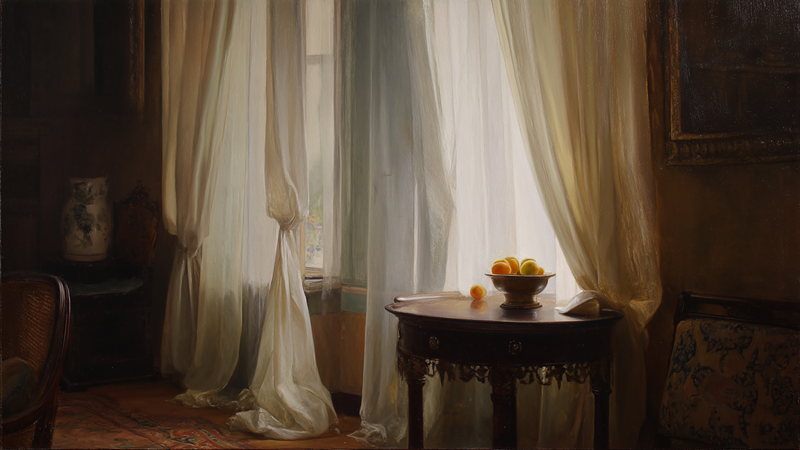
Morning Light Still Life – Classical Interior for Samsung Frame TV
$9.99 -
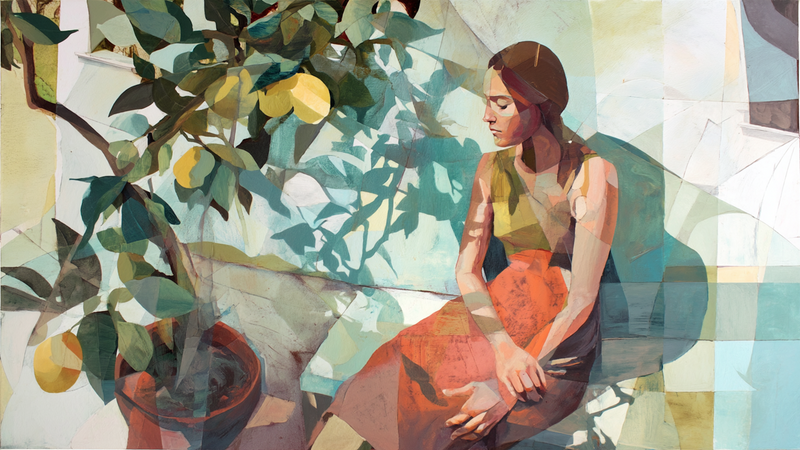
Citrus Meditation – Contemporary Figure for Samsung Frame TV
$9.99 -
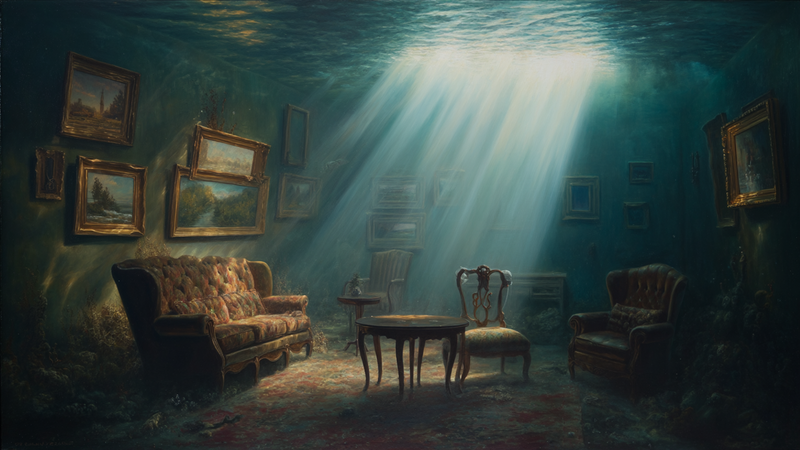
Underwater Gallery – Submerged Parlor Room for Samsung Frame TV
$9.99


About TV Art (FAQ)
What is “TV Art,” and how do Art/Gallery modes work on Samsung Frame TV and HiSense CanvasTV?
“TV Art” shows artwork when your TV is idle. Samsung Frame TV uses Art Mode to display still images with a matte, anti-glare look. HiSense CanvasTV includes a gallery/art screen for idle display. Both replace a blank screen with curated digital art.
What image size and aspect ratio should I use?
- Best overall: 16:9 at 3840×2160 (4K) for most sizes on Frame and CanvasTV.
- Samsung Frame 32″: 16:9 at 1920×1080 (Full HD).
- Export in sRGB for accurate color; avoid upscaling small images.
How do I upload TV Art to Samsung Frame TV or HiSense CanvasTV?
Samsung Frame TV: Use the SmartThings app (Art Mode → My Photos) or a USB drive, then choose No Mat for a full-screen look.
HiSense CanvasTV: Use the built-in gallery/art screensaver or a USB drive to sideload images, and enable full-screen in settings.
Do I need a subscription to use TV Art?
No. You can upload your own images or purchase curated downloads from independent shops like Art For Frame. Vendor subscriptions are optional.
How do I avoid black bars, borders, or cropping?
- Export at 16:9 (e.g., 3840×2160 or 1920×1080).
- Select No Mat / Full Screen in Art or Gallery settings.
- Disable auto-zoom/stretch and use “Fit to Screen” when available.
What file format and color profile work best?
JPEG (high quality) or PNG, exported in sRGB. Keep file sizes efficient for faster transfer.
What brightness and color settings look most realistic?
Start around 30–50% brightness, enable the ambient light sensor, and use a warmer color tone for a framed-art feel. Reduce motion-enhancement and dynamic contrast for accurate color.
Will TV Art cause burn-in or high energy use?
Frame and CanvasTV models use LCD/LED panels with matte finishes, so burn-in risk is low. Art/Gallery modes use less power than normal viewing—set a sleep timer or motion sensor to save more energy.
Can I change bezels or frames to match my room?
Samsung Frame TV supports interchangeable bezels in multiple finishes. HiSense CanvasTV features frame-style designs that blend with modern interiors.
Where can I get ready-to-display TV Art that’s sized correctly?
Art For Frame offers curated TV Art downloads for Samsung Frame TV and HiSense CanvasTV—in 16:9, 4K, styled for minimalist and modern spaces.