

About Products Collection
-

The Green Door
$4.99 -
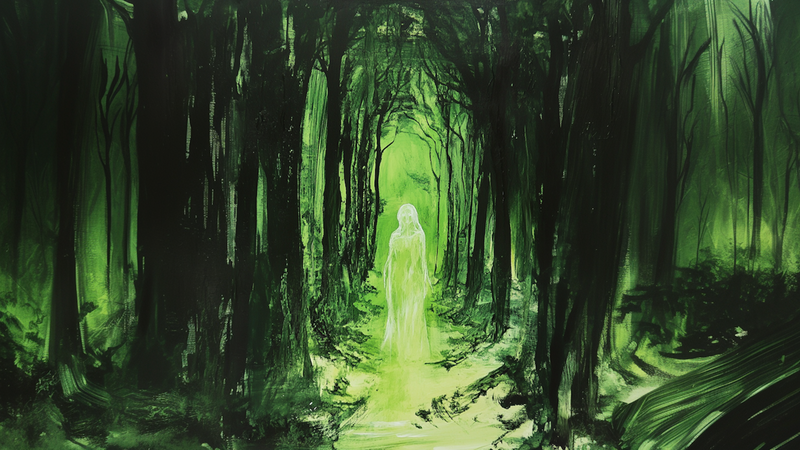
The Green Veil – Ghostly Forest Apparition for Samsung Frame TV
$4.99 -
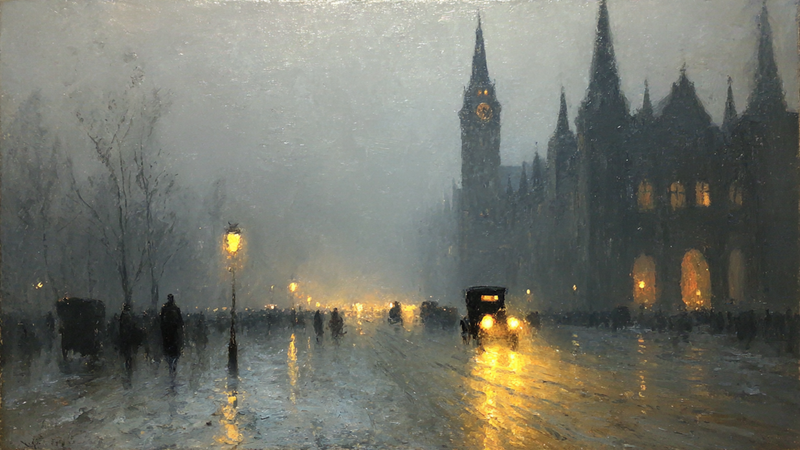
The Lamplit Square
$4.99 -
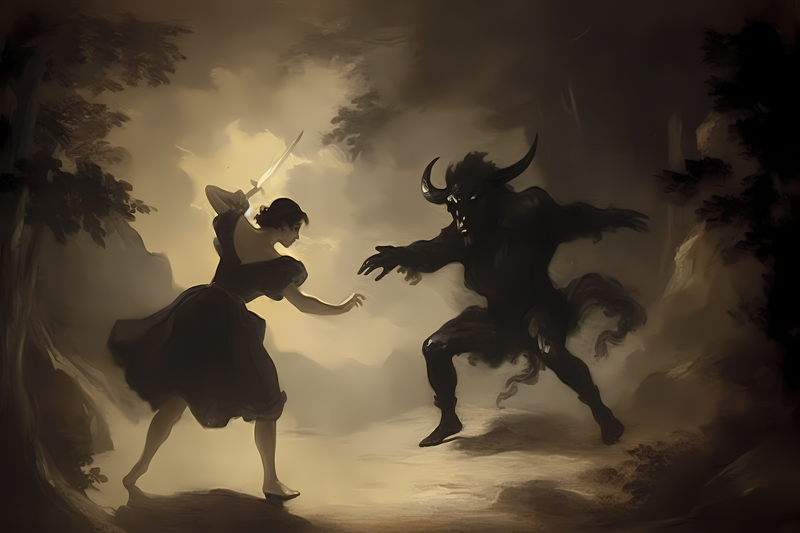
The Last Duel – Dark Fantasy Battle Scene for Samsung Frame TV
$4.99 -
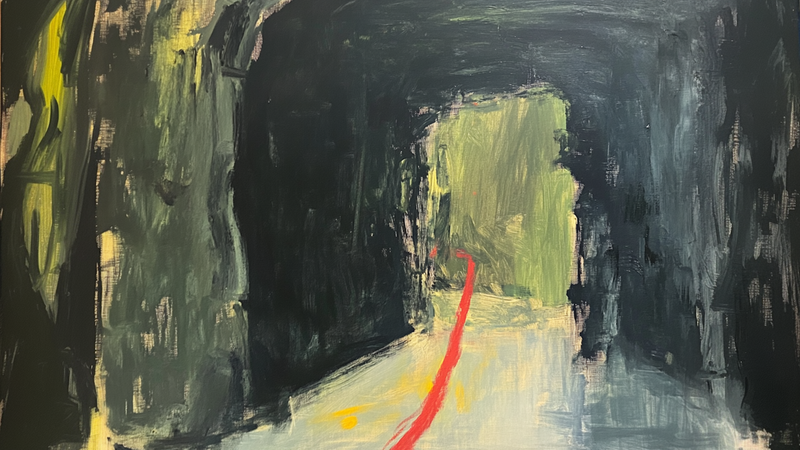
The Line Through – Abstract Passageway Art for Samsung Frame TV
$4.99 -
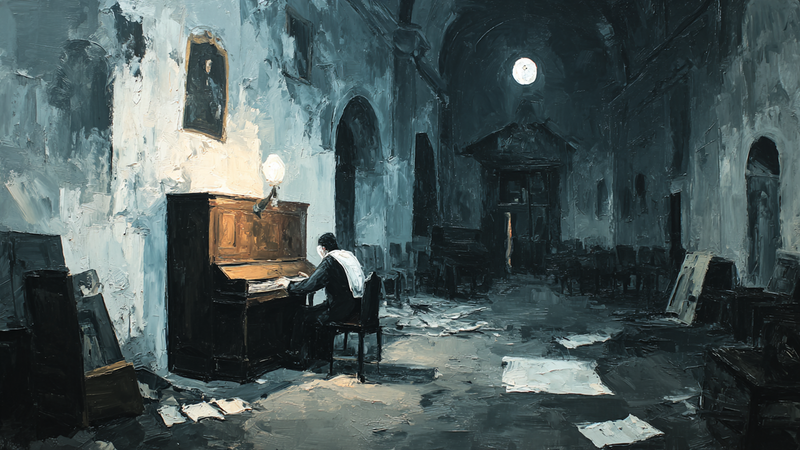
The Maestro's Silence
$4.99 -
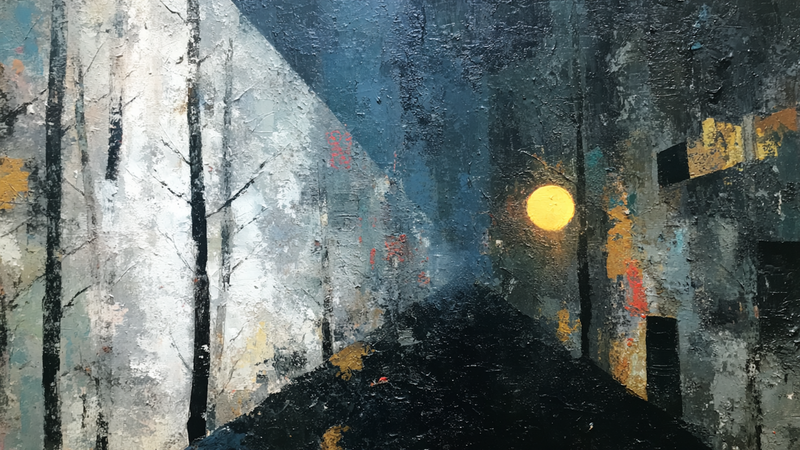
The Narrow Way
$4.99 -

The Orchestra Below
$4.99 -

The Pink Suit
$4.99 -
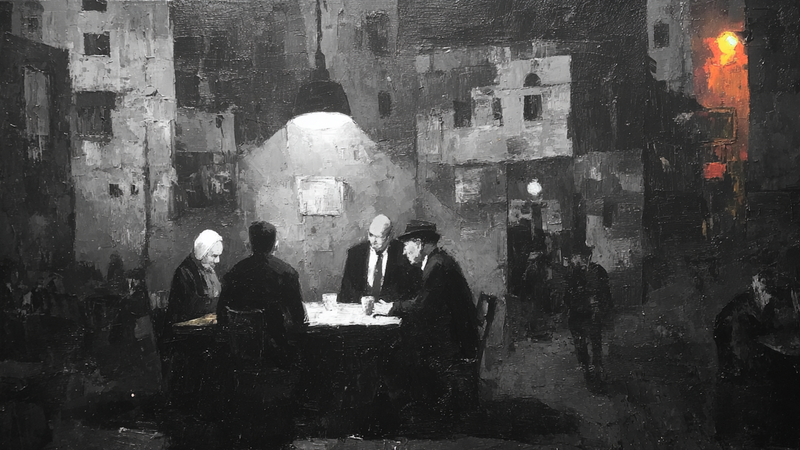
The Quiet Game
$4.99 -
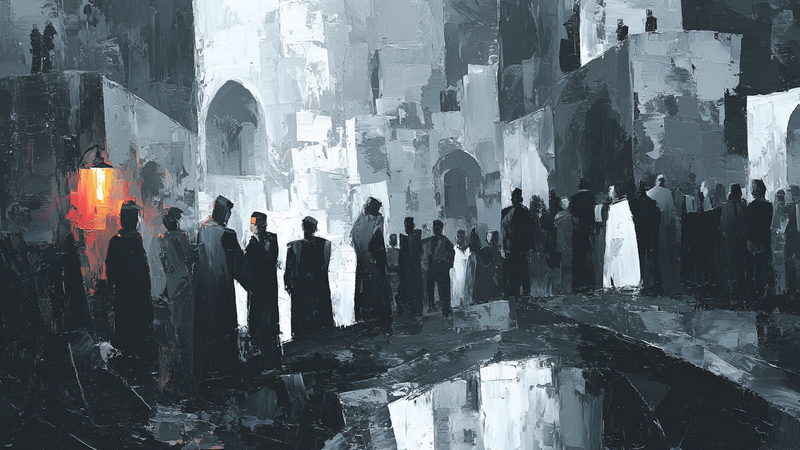
The Red Lantern
$4.99 -
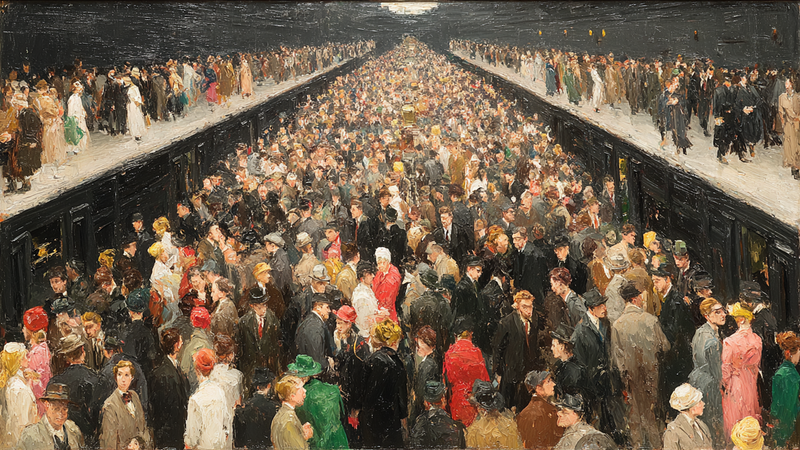
The Rush Below
$4.99 -
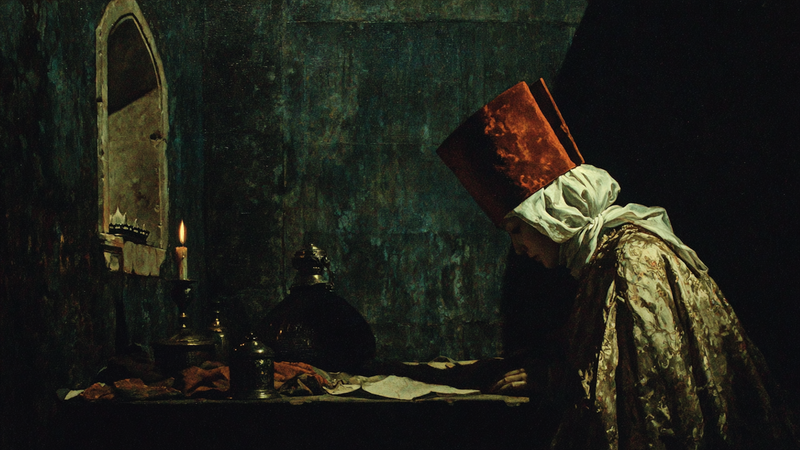
The Scholar's Flame
$4.99 -
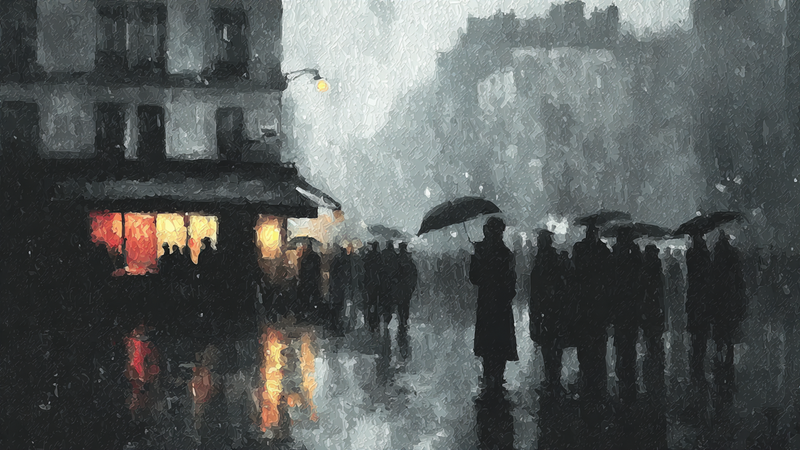
The Seine in Gray
$4.99 -

The Squared Circle
$4.99 -
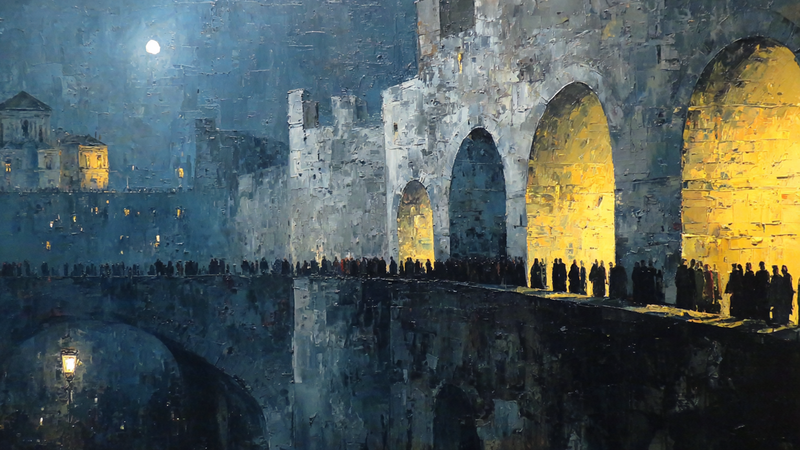
The Stone Crossing
$4.99 -
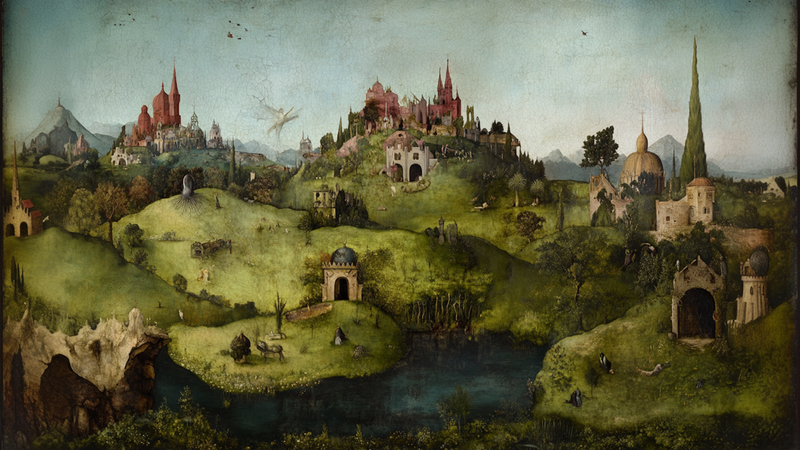
The Valley of Small Wonders – Dreamlike Medieval Landscape for Samsung Frame TV
$4.99 -

Theater Curtain Call Bows
$4.99 -
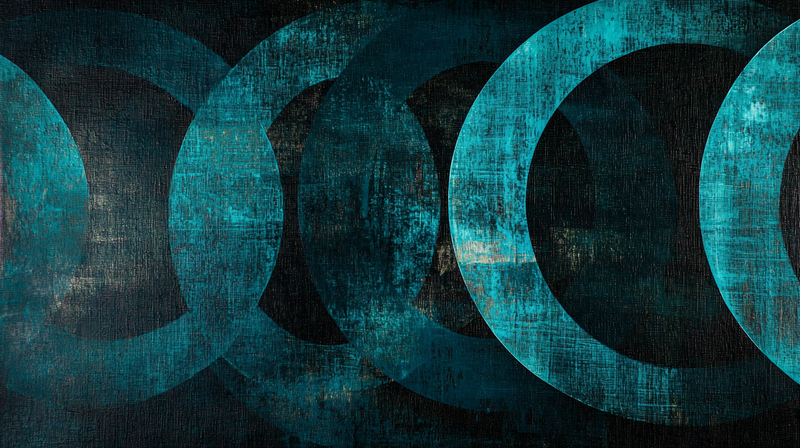
Tidal Echoes – Circular Meditation for Samsung Frame TV
$4.99 -
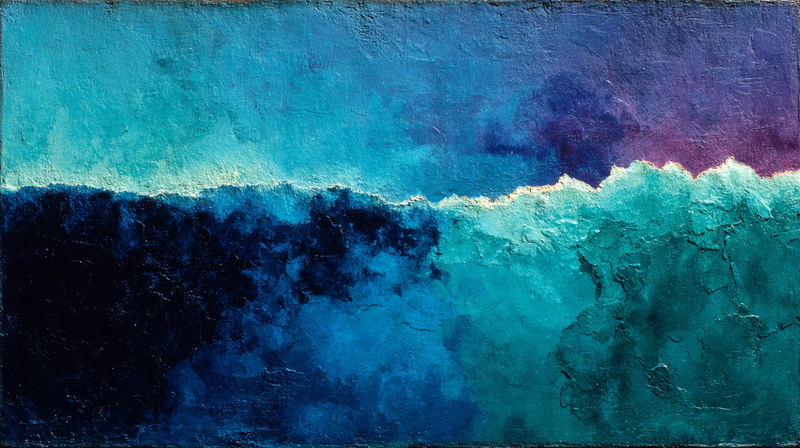
Tidal Embrace – Ocean Wave Meditation for Samsung Frame TV
$4.99 -
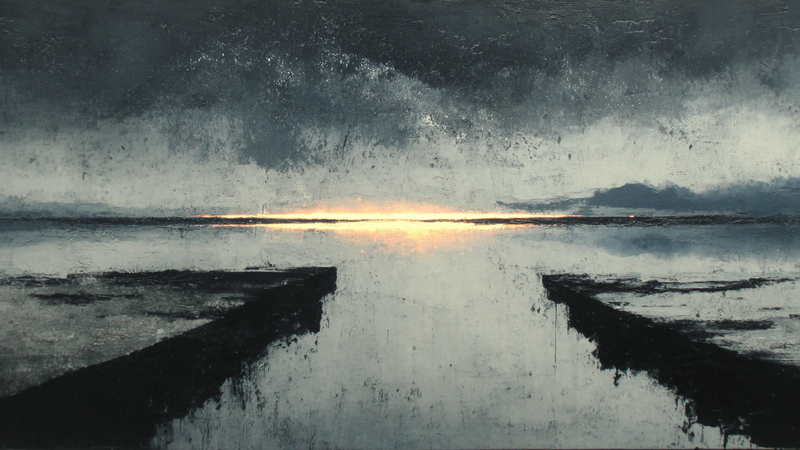
Tidal Reverie – Coastal Art
$4.99 -
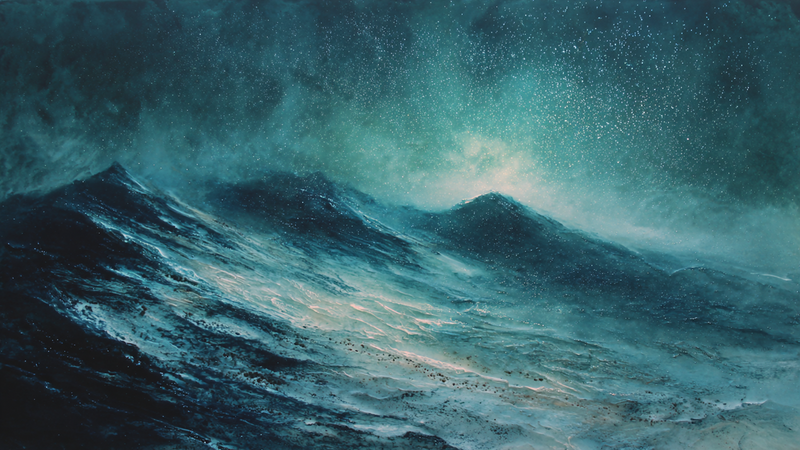
Tidal Symphony – Canvas TV Artwork Ocean Waves (4K Digital Download)
$4.99 -
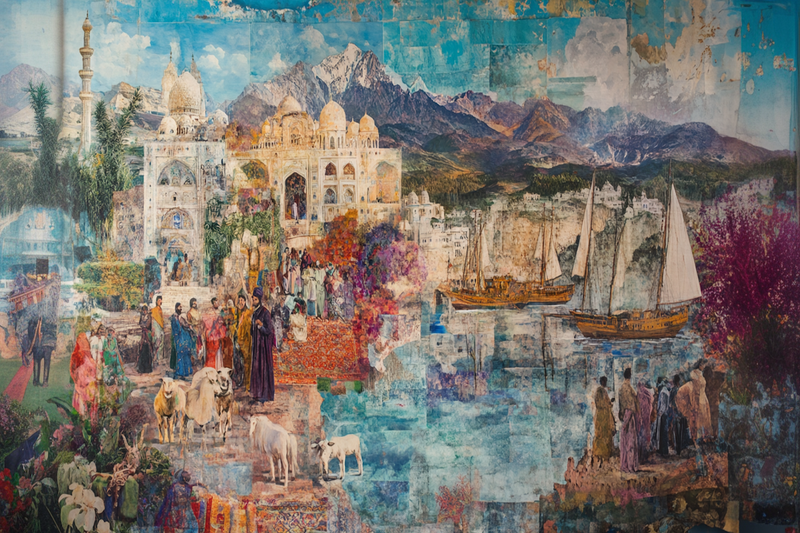
Timeless Passage – A Collage of Cultural Landscapes for Samsung Frame TV
$4.99 -
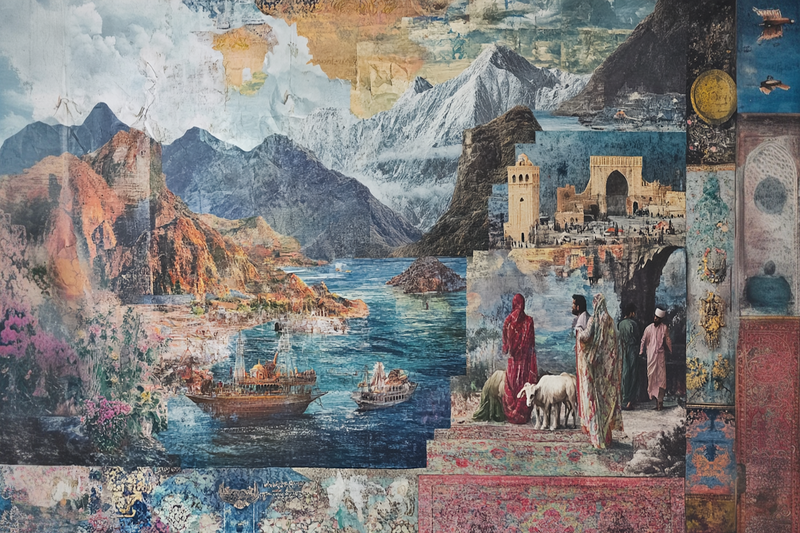
Timeless Tapestry – A Mixed Media Middle Eastern Landscape for Samsung Frame TV
$4.99 -
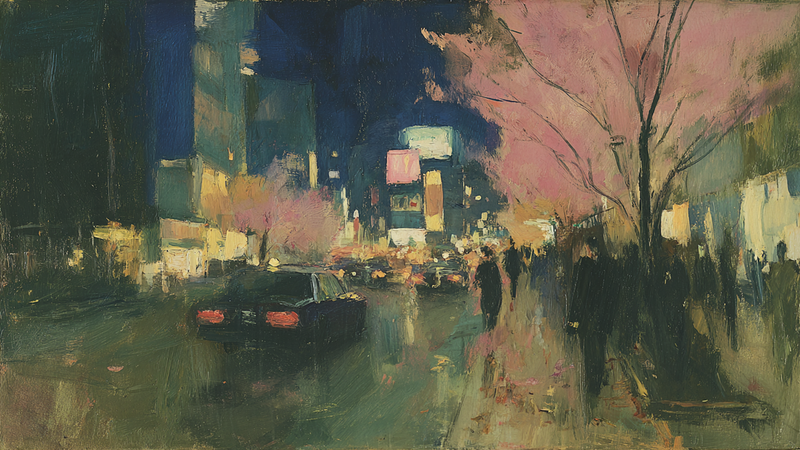
Tokyo Gardens
$4.99 -

Toronto Victorian Rainbow
$4.99 -

Tower Bridge Golden Sunset
$4.99 -
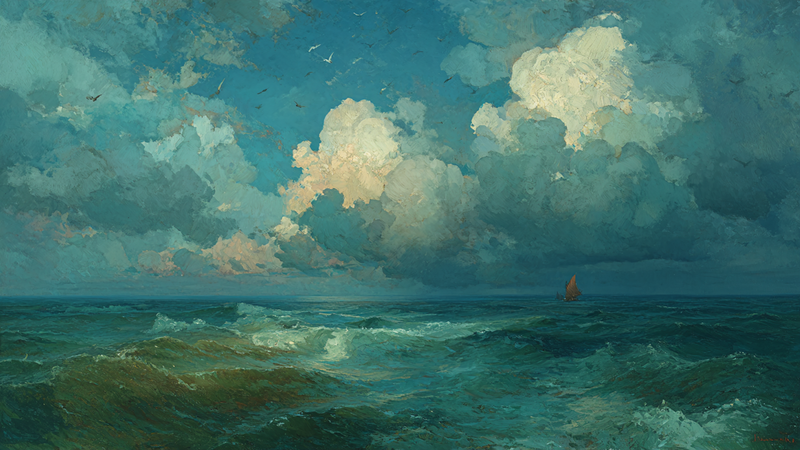
Towering Cumulus Calm Sea
$4.99 -
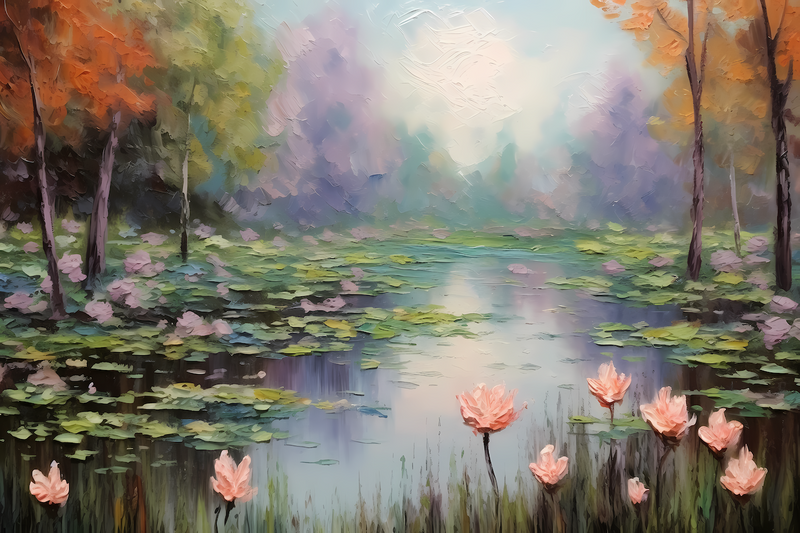
Tranquil Lily Pond – Impressionist-Inspired Art for Samsung Frame TV | Art For Frame
$4.99 -
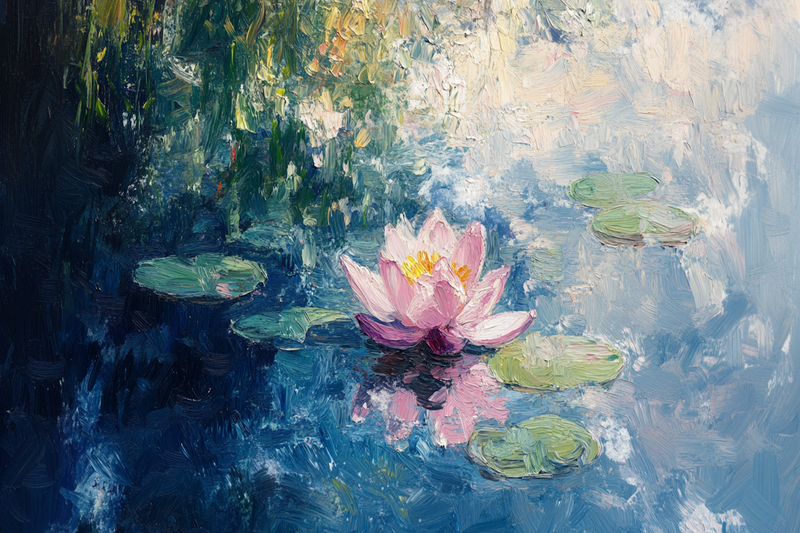
Tranquil Lily – An Impressionist Water Lily Painting for Samsung Frame TV
$4.99 -
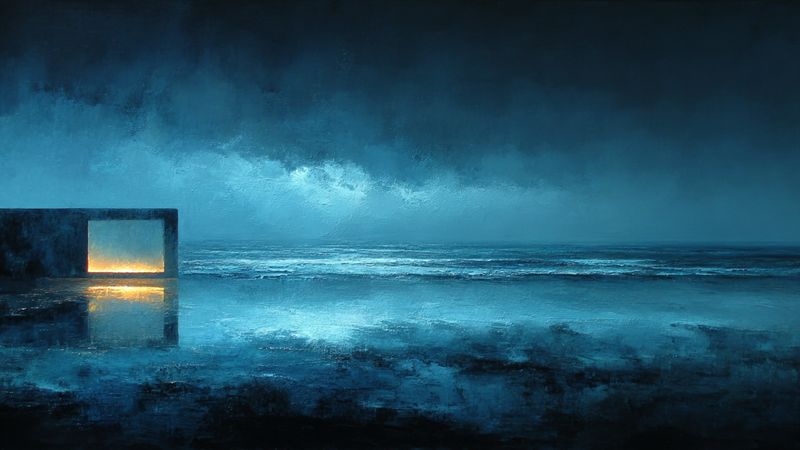
Tranquil Threshold for Frame TV & CanvasTV | 4K Download
$4.99 -
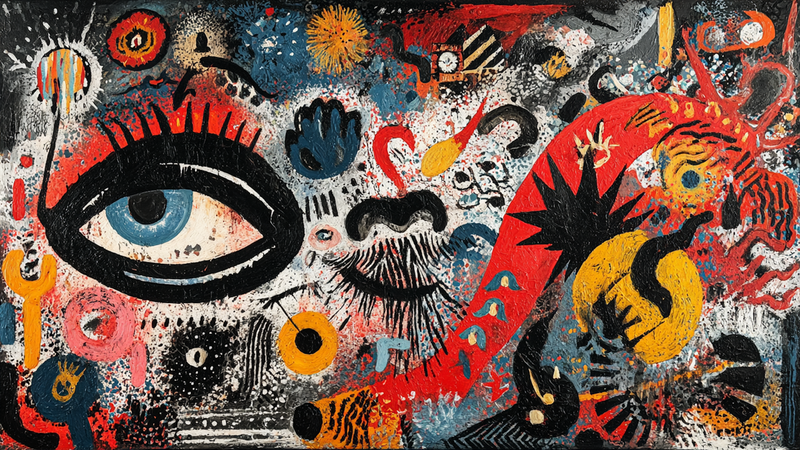
Tribal Visions – Ancient Modern Collage for Frame TV & CanvasTV
$4.99 -
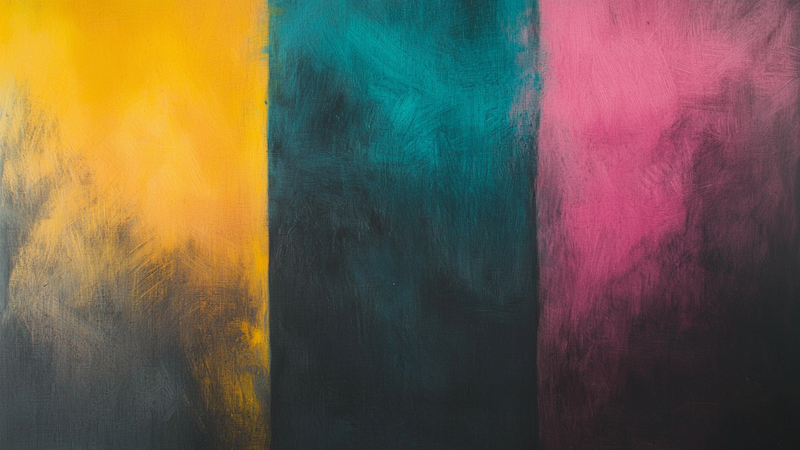
Trio Flux – Bold Colorfield Abstract for Samsung Frame TV
$4.99 -
 Sold Out
Tropical Bloom Floral Art – 4K Samsung Frame TV Download
$4.99 -
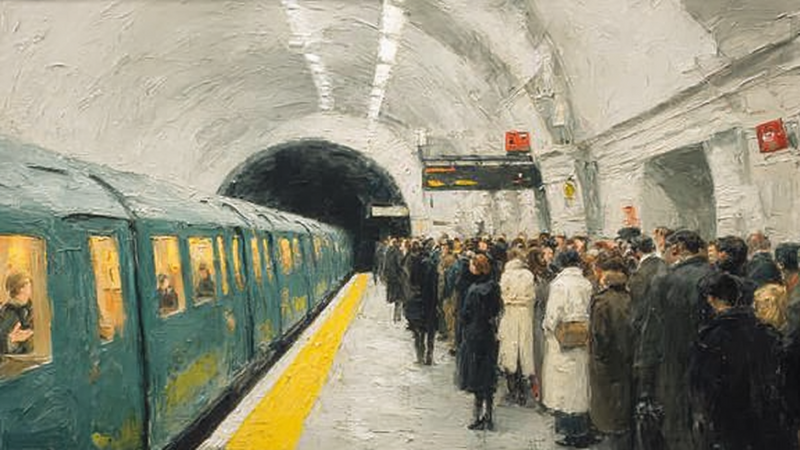
Tube Arrival
$4.99 -

Turquoise Creek Passage
$4.99 -
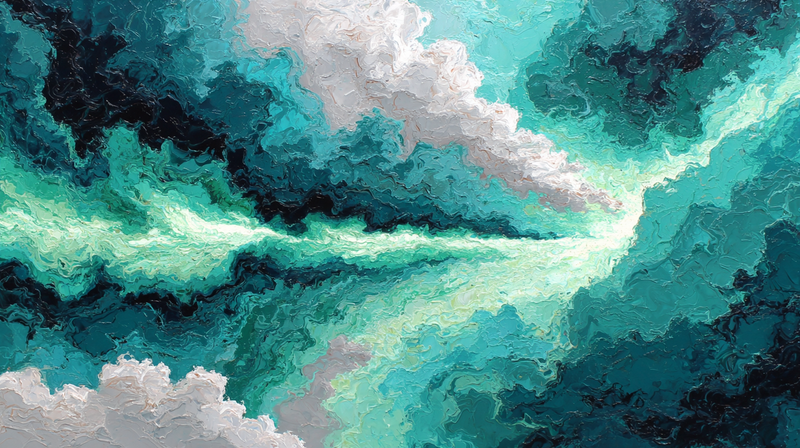
Turquoise Current – Organic Flow for Samsung Frame TV & Hisense CanvasTV
$4.99 -
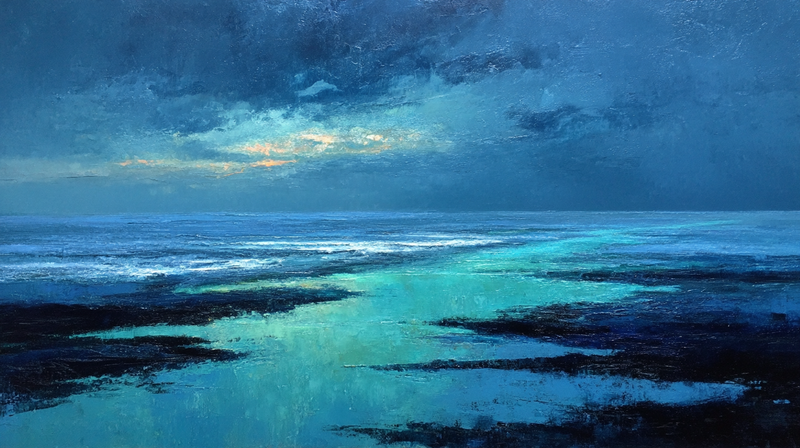
Turquoise Tides – Coastal Meditation for Samsung Frame TV & Hisense CanvasTV
$4.99 -
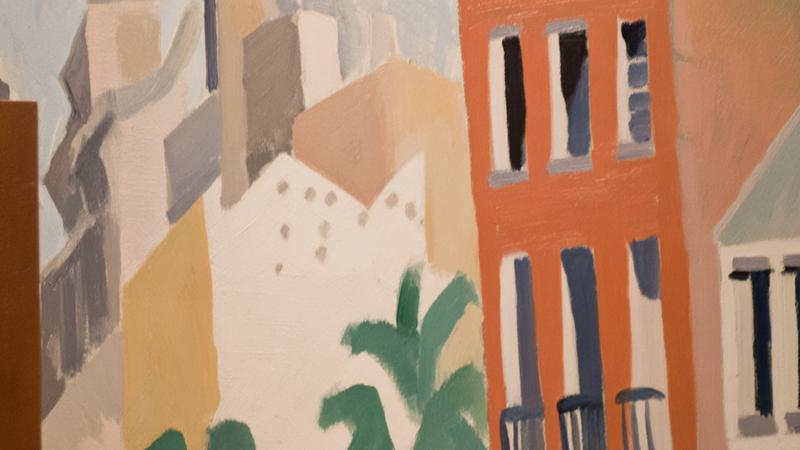
Tuscan Cityscape Matisse-Inspired Frame TV Art
$4.99 -
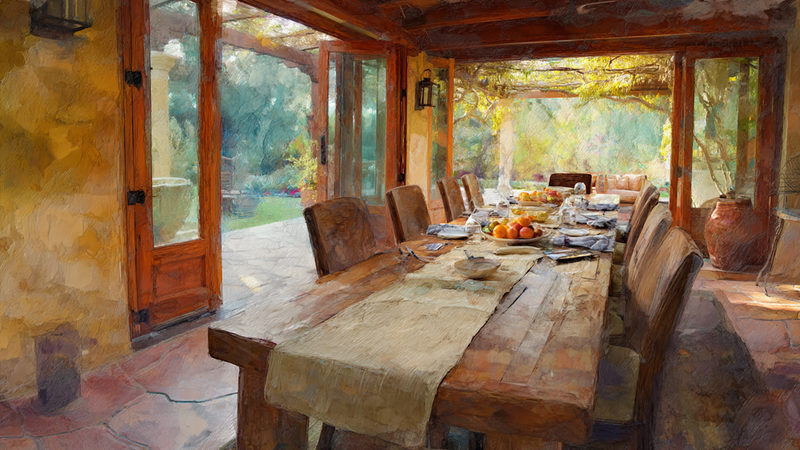
Tuscan Harvest – Feast Table for Samsung Frame TV
$4.99 -
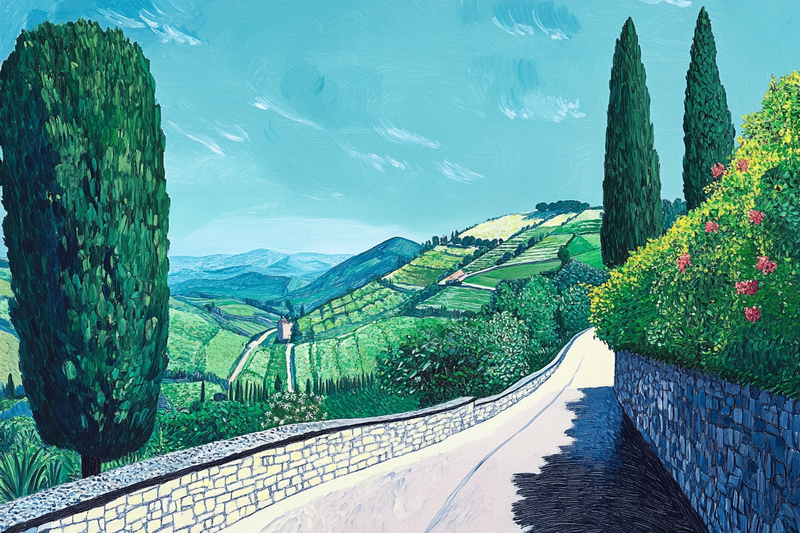
Tuscan Pathway – A Serene Landscape for Samsung Frame TV
$4.99 -
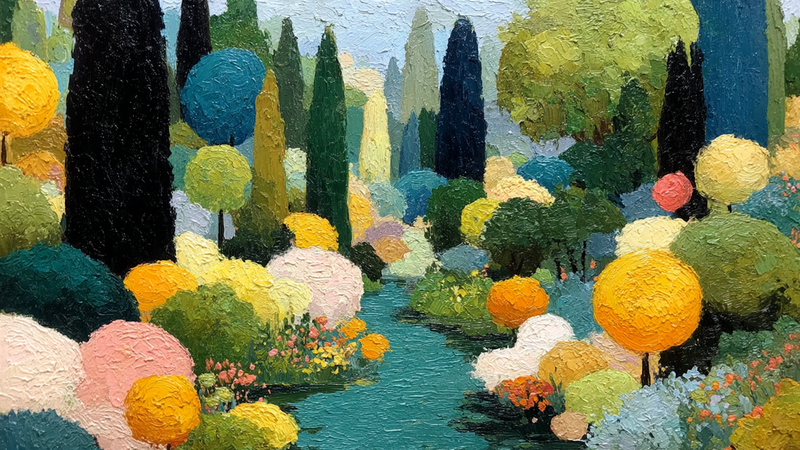
Tuscan Reverie – Geometric Landscape for Frame TV & CanvasTV
$4.99 -
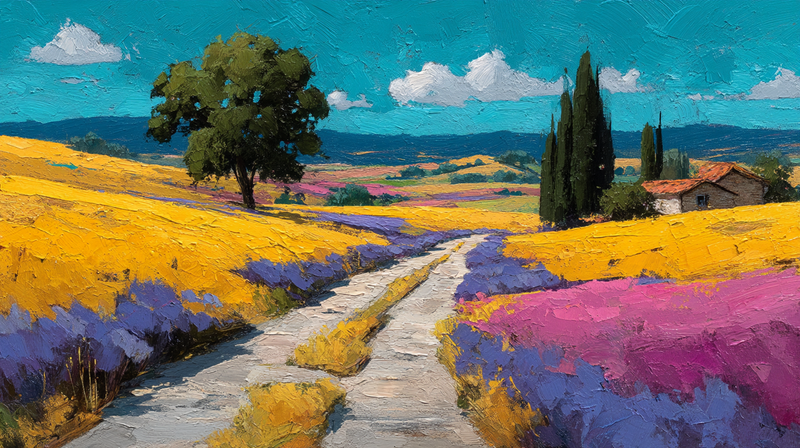
Tuscan Reverie – Rolling Hills
$4.99 -
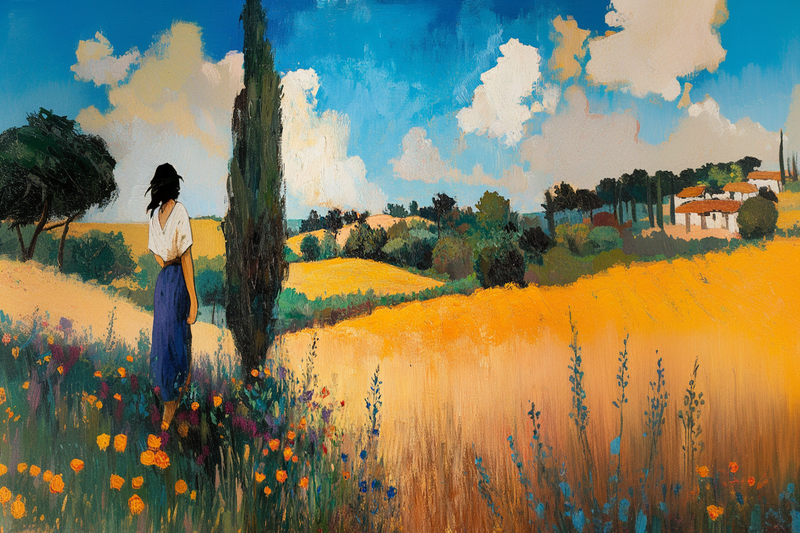
Tuscan Summer – Impressionist Countryside with Figure for Samsung Frame TV
$4.99


About TV Art (FAQ)
What is “TV Art,” and how do Art/Gallery modes work on Samsung Frame TV and HiSense CanvasTV?
“TV Art” shows artwork when your TV is idle. Samsung Frame TV uses Art Mode to display still images with a matte, anti-glare look. HiSense CanvasTV includes a gallery/art screen for idle display. Both replace a blank screen with curated digital art.
What image size and aspect ratio should I use?
- Best overall: 16:9 at 3840x2160 (4K) for most sizes on Frame and CanvasTV.
- Samsung Frame 32″: 16:9 at 1920x1080 (Full HD).
- Export in sRGB for accurate color; avoid upscaling small images.
How do I upload TV Art to Samsung Frame TV or HiSense CanvasTV?
Samsung Frame TV: Use the SmartThings app (Art Mode → My Photos) or a USB drive, then choose No Mat for a full-screen look.
HiSense CanvasTV: Use the built-in gallery/art screensaver or a USB drive to sideload images, and enable full-screen in settings.
Do I need a subscription to use TV Art?
No. You can upload your own images or purchase curated downloads from independent shops like Art For Frame. Vendor subscriptions are optional.
How do I avoid black bars, borders, or cropping?
- Export at 16:9 (e.g., 3840x2160 or 1920x1080).
- Select No Mat / Full Screen in Art or Gallery settings.
- Disable auto-zoom/stretch and use “Fit to Screen” when available.
What file format and color profile work best?
JPEG (high quality) or PNG, exported in sRGB. Keep file sizes efficient for faster transfer.
What brightness and color settings look most realistic?
Start around 30–50% brightness, enable the ambient light sensor, and use a warmer color tone for a framed-art feel. Reduce motion-enhancement and dynamic contrast for accurate color.
Will TV Art cause burn-in or high energy use?
Frame and CanvasTV models use LCD/LED panels with matte finishes, so burn-in risk is low. Art/Gallery modes use less power than normal viewing—set a sleep timer or motion sensor to save more energy.
Can I change bezels or frames to match my room?
Samsung Frame TV supports interchangeable bezels in multiple finishes. HiSense CanvasTV features frame-style designs that blend with modern interiors.
Where can I get ready-to-display TV Art that’s sized correctly?
Art For Frame offers curated TV Art downloads for Samsung Frame TV and HiSense CanvasTV—in 16:9, 4K, styled for minimalist and modern spaces.