


Samsung Frame TV Voice Control: Alexa & Bixby Setup (No Google Assistant)
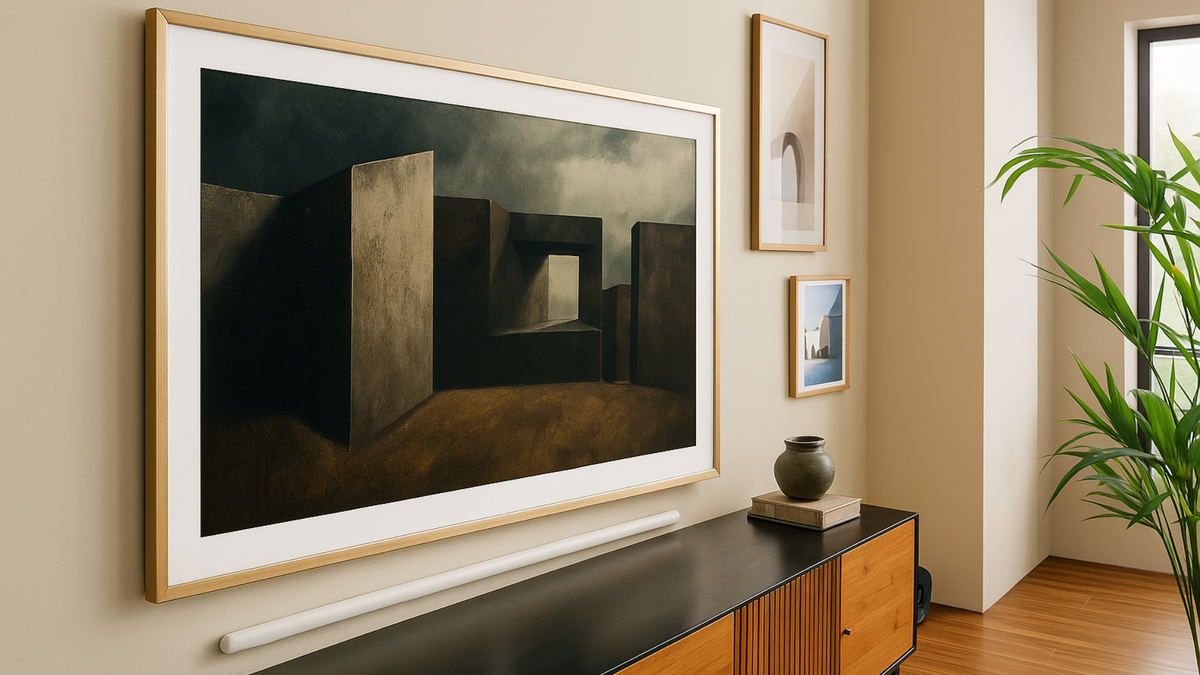
Want to control your Samsung Frame TV without lifting a finger? With built-in support for Alexa and Bixby voice control, you can switch artwork, activate A...
A focused view of the articles tagged Samsung Frame TV — practical help, buying context, and design-minded guidance for people who want the screen on the wall to feel considered.
The newest posts from the archive — still written with the same goal: clearer decisions, fewer dead ends, and artwork that earns its place on the wall.
Want to control your Samsung Frame TV without lifting a finger? With built-in support for Alexa and Bixby voice control, you can switch artwork, activate A...
Fix SmartThings upload errors, remove black bars, use USB, choose formats, and set portrait mode. The complete 2025 troubleshooting playbook.

To fill the screen vertically, export 2160×3840 and use Samsung’s Auto-Rotating accessory on compatible 2022+ models (43–65”).

Troubleshooting guide for Samsung Frame TV users facing the “no mat option not available” issue despite using 3840×2160 resolution. Learn why hidden metada...

Complete troubleshooting guide for fixing Samsung Frame TV “same network” errors and connection problems with SmartThings. Learn how to reset network setti...

Complete step-by-step guide for uploading art to Samsung Frame TV and Hisense CanvasTV via USB. Learn how to format drives (FAT32/exFAT), create proper fol...

The promise was seamless—your carefully curated artwork flowing from phone to wall with a simple tap. Yet here you stand, staring at 'Upload Failed' where ...

The artwork was perfect on your computer—vibrant colors, crisp details, smooth gradients. Yet on Frame TV it appears washed out, compressed, or worse: 'For...

The promise of gallery walls dissolved the moment those black borders appeared. Where seamless art should flow edge-to-edge, unwanted frames within frames ...

A no‑fluff 2025 buying guide for Frame TV and CanvasTV art: the best free museum sources, $5–$15 Etsy bundles, premium photography, and ready‑to‑display cu...

Unlock the world of free museum art and contemporary photography for Samsung Frame TV and HiSense CanvasTV. From The Met’s 400,000 open-access masterpieces...

Learn how to prep your own photos for Samsung Frame TV or Hisense CanvasTV with cleaner cropping, better brightness, and gallery-ready display tips.
Most people land here looking for one of a few things: how to upload art, how to fix a display problem, which art TV to buy, or what kind of artwork will actually make the room feel better. These are the posts that tend to do the most work first.
The quickest path for anyone who is brand new to Samsung The Frame, Hisense CanvasTV, or art-mode setup in general.
These are the guides worth opening when the file is right but the screen is still behaving in a way that feels off.
If you're still deciding between screens, stores, or art sources, these guides will save a lot of scattered research.